.png?width=500&height=91&name=CG-Logo-Blue%20(1).png)
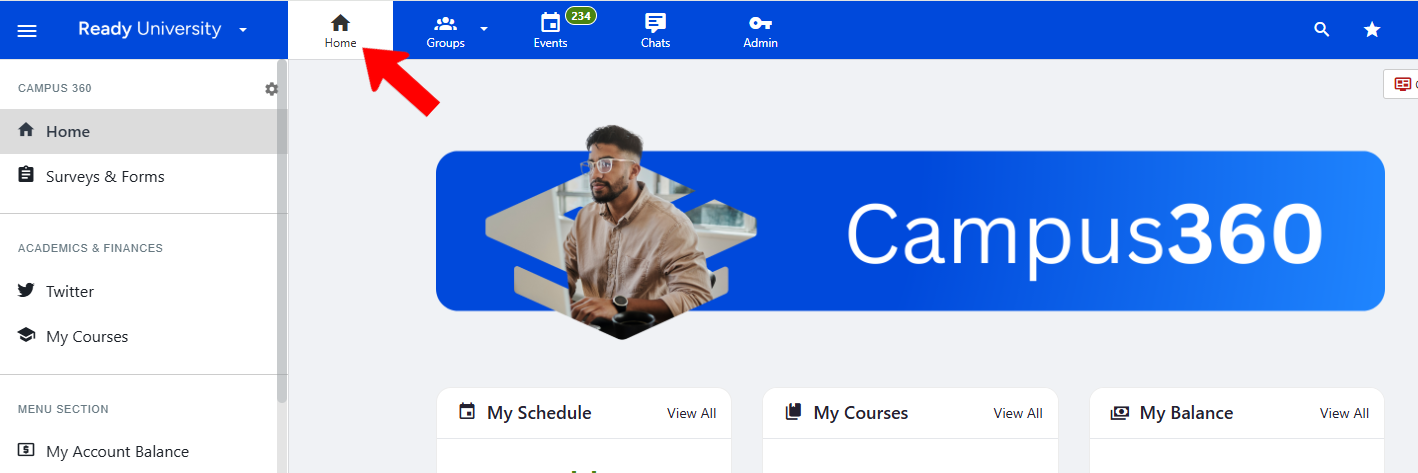
To access admin-only features, click the Admin icon along the top toolbar.

As long as the Admin icon is enabled, you are in Admin mode. The menu along the left is for admins only.
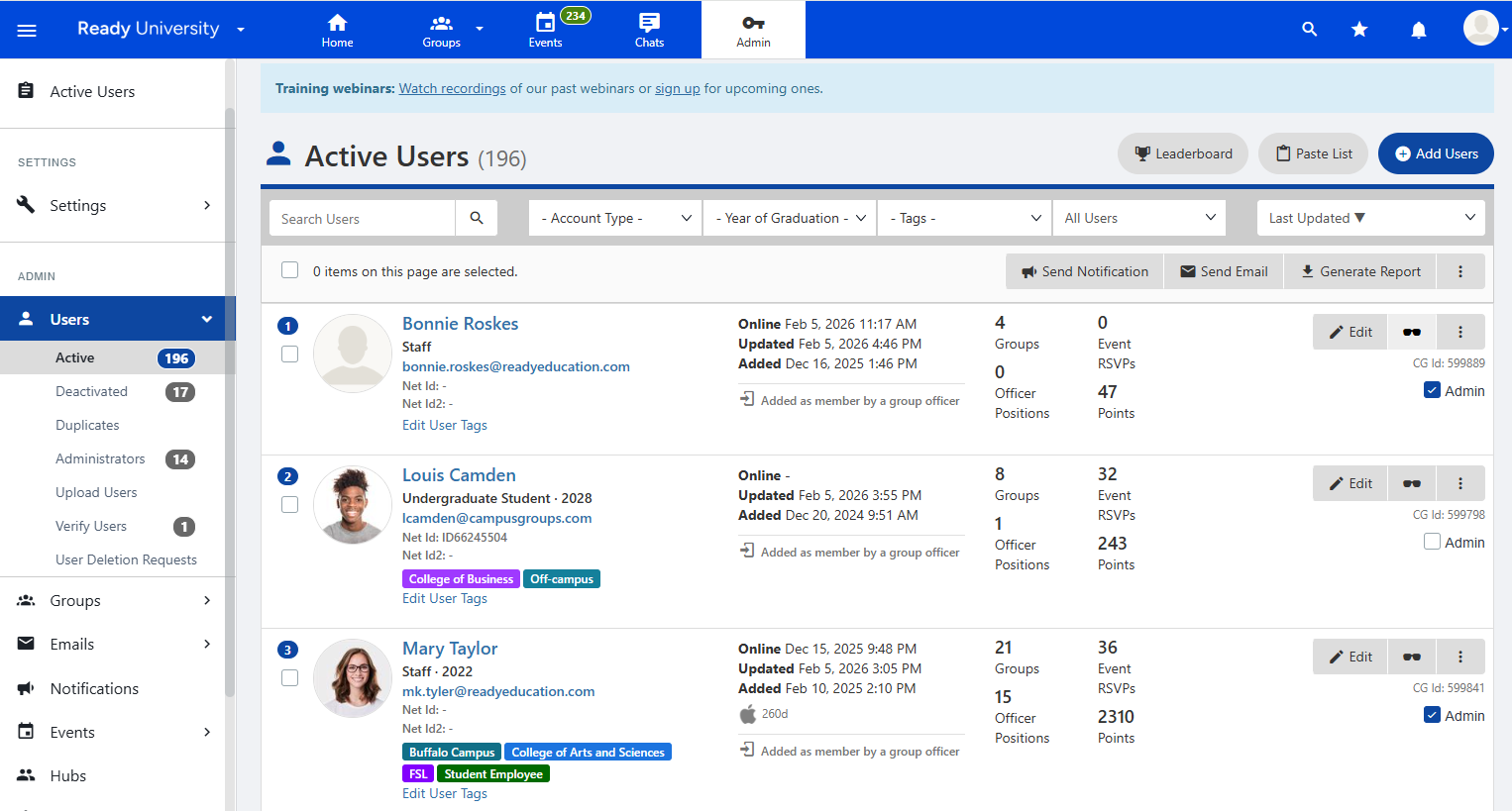
In Admin mode, depending on your permissions, you have control over platform features. For example, on the Groups list, you have manage permission for all groups.
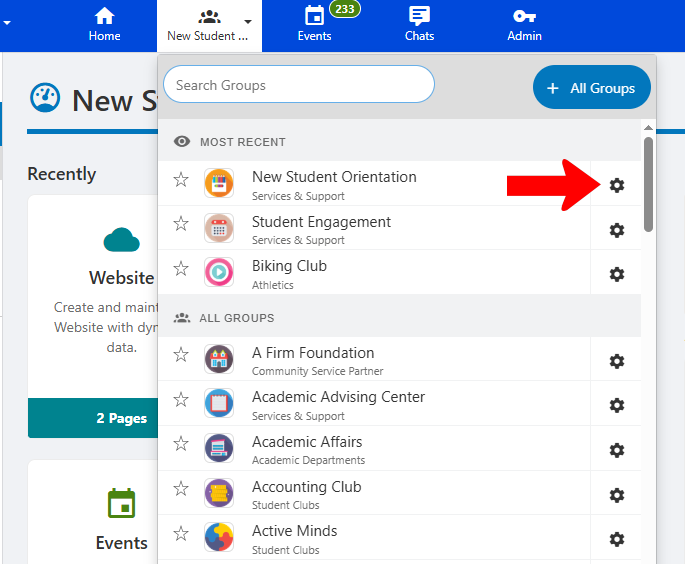
To leave Admin mode, simply click any other icon along the top: Home, Groups, Events, etc.