.png?width=500&height=91&name=CG-Logo-Blue%20(1).png)
Group officers can create Connection Programs Group Connection Programs for users. As an admin, you can view and edit programs, and create new programs.
Note: If you create a Connection Program, you will need to assign it to a hosting group.
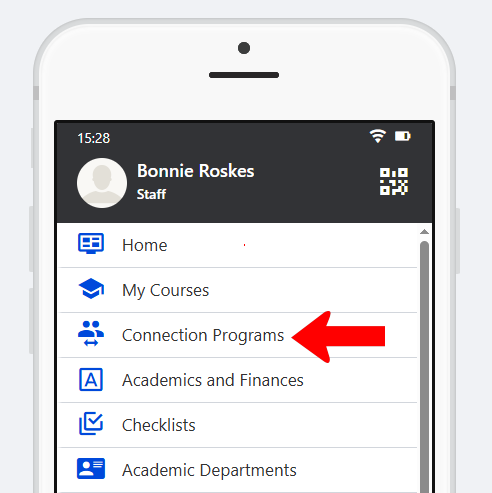
To make Connection Programs accessible to users, the Connection Programs hub menu item Group Connection Programs must be added to the Community Hub Group Connection Programs accessible to the relevant users. This menu can be renamed if needed.
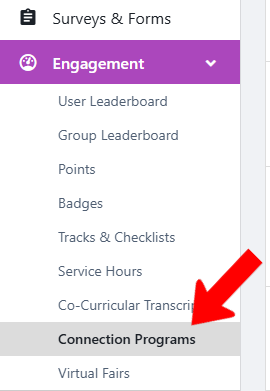
To manage Switch to Admin mode XRF if needed, open Engagement on the left, and choose Connection Programs.
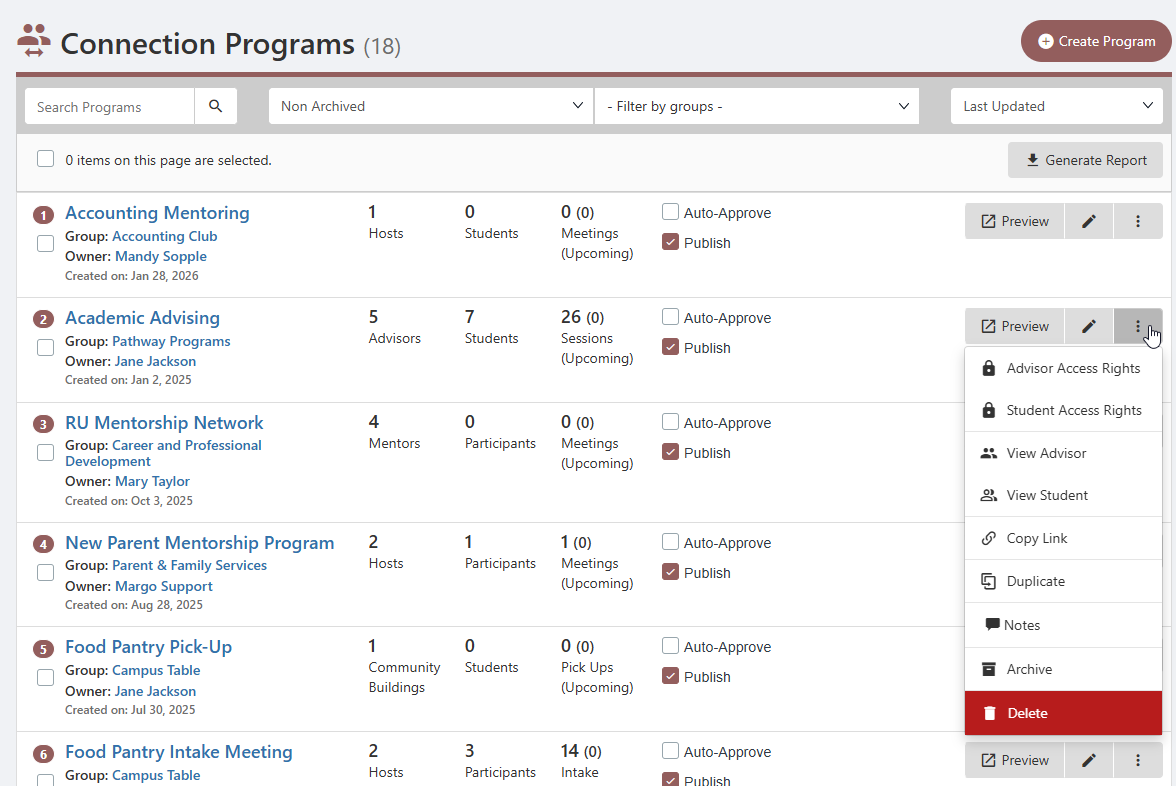
In the Connection Programs list, each program is listed with its hosting group and owner, and numbers of hosts and students (whose nomenclature depends on program settings). Clicking a program’s More icon opens options to control host or student Access Rights, view hosts and students, and more.