.png?width=500&height=91&name=CG-Logo-Blue%20(1).png)
If your group was granted a simple budget Creating a Simple Budget, and / or has group funds to spend, there is an easy process for requesting payments from these funds.
Notes:
- If you are working with an Advanced Budget, you need to start with a Budget Request Creating a Budget Request: Advanced Budget. After funds are approved, you can submit a Payment Request against the Advance Budget; this request can also include group funds.
- If you don’t see Group Funds, that feature was not enabled by your admin.
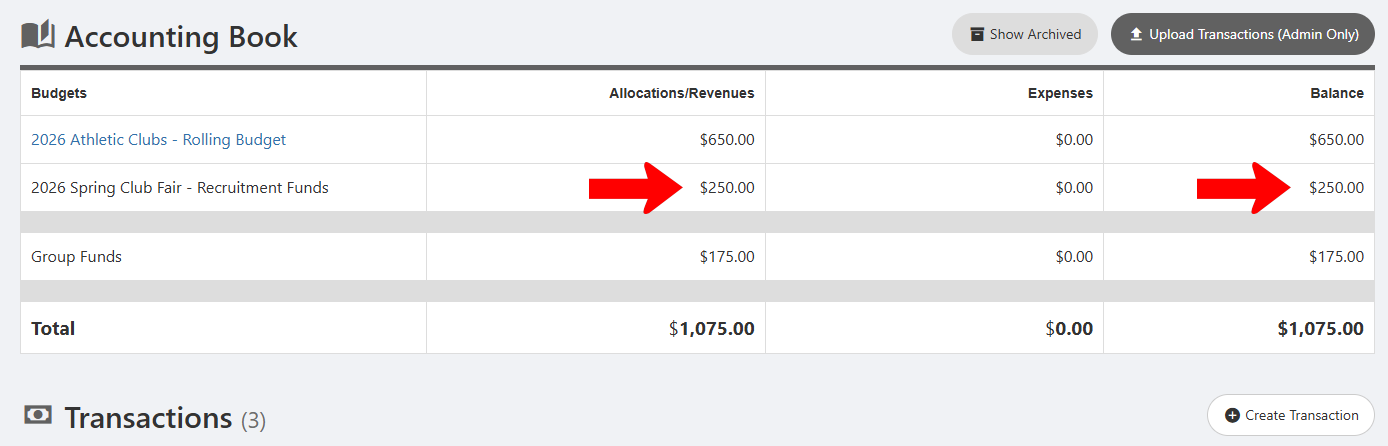
To get started, open your Accounting Book, and find the simple budget and / or group funds. (Unlike an advanced budget, simple budgets and group funds are not hyperlinked). You can see the total budget and balance remaining.
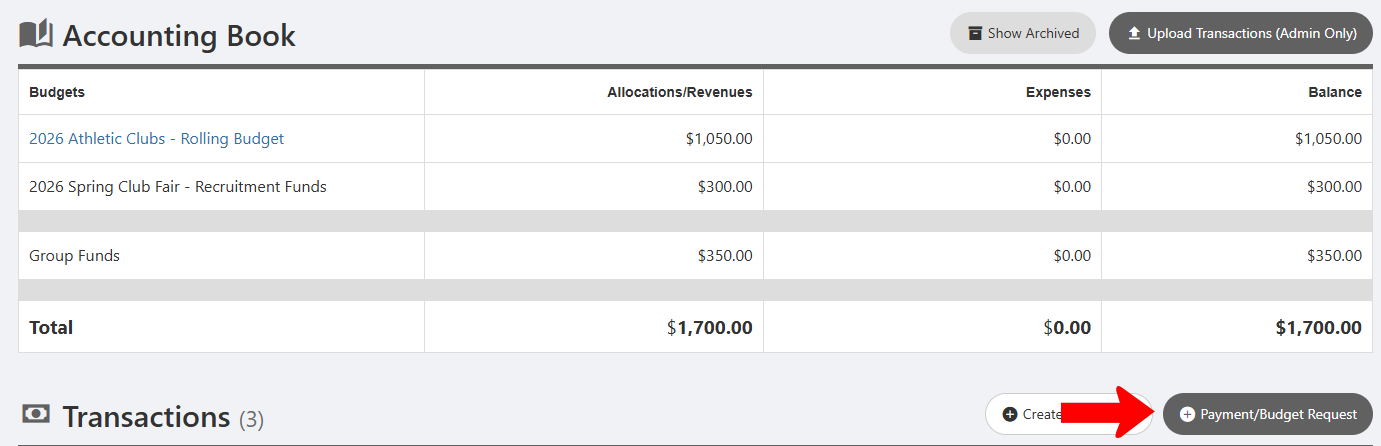
Click Payment / Budget Request.
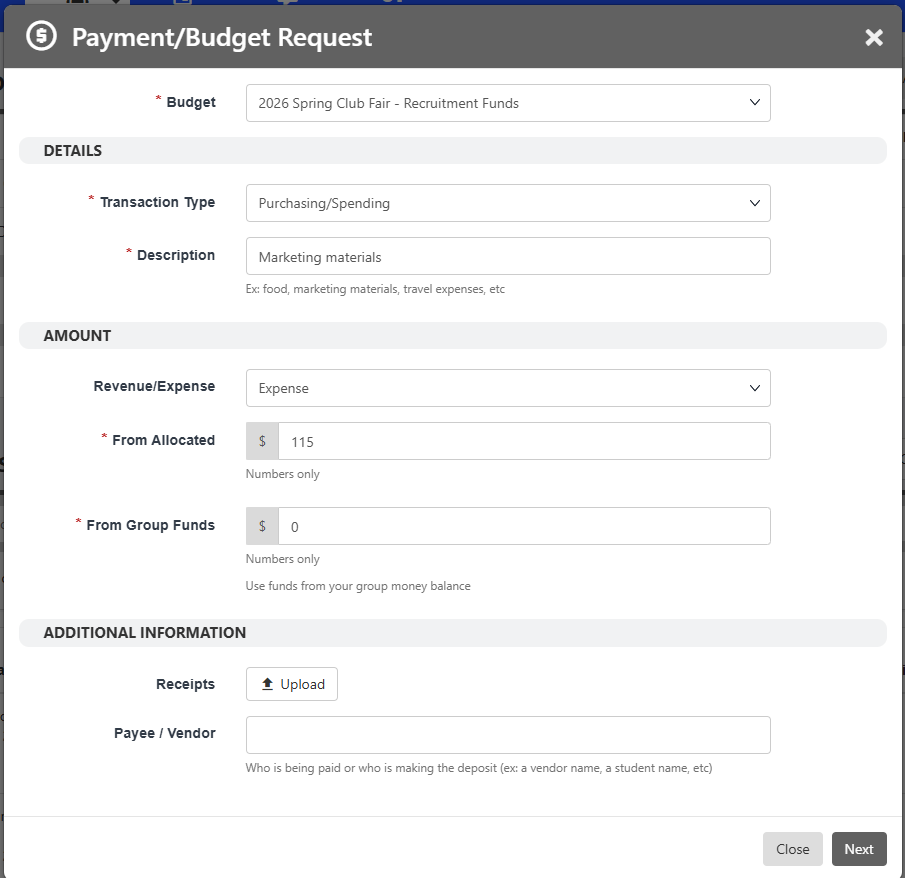
Choose the correct simple budget, the correct Transaction Type, and enter a description. Note that even if you are only requesting payment from group funds, you will still need to choose a budget. Your admin may set up a placeholder budget for this purposes, and should provide guidance on which budget to choose.
Choose Expense and enter the amount(s). The amount in From Allocated will come from the simple budget.
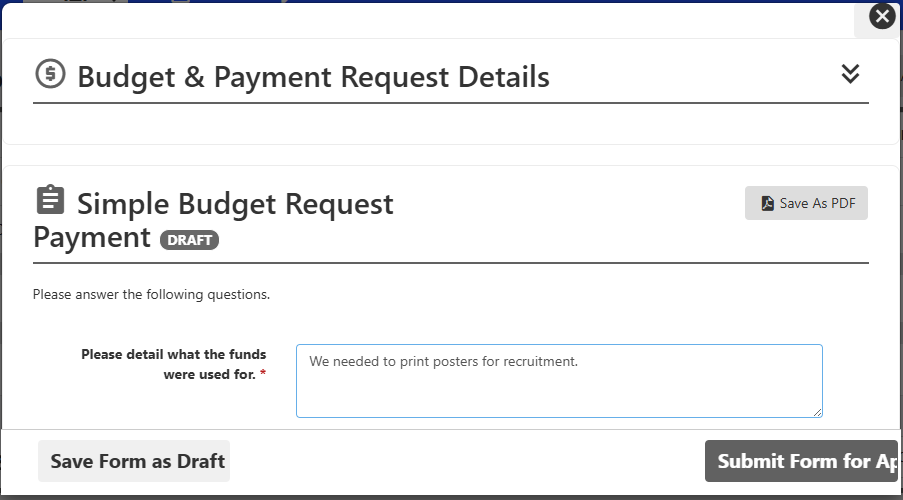
Complete the supplemental form (an example of which is shown here - yours will be different), and submit.
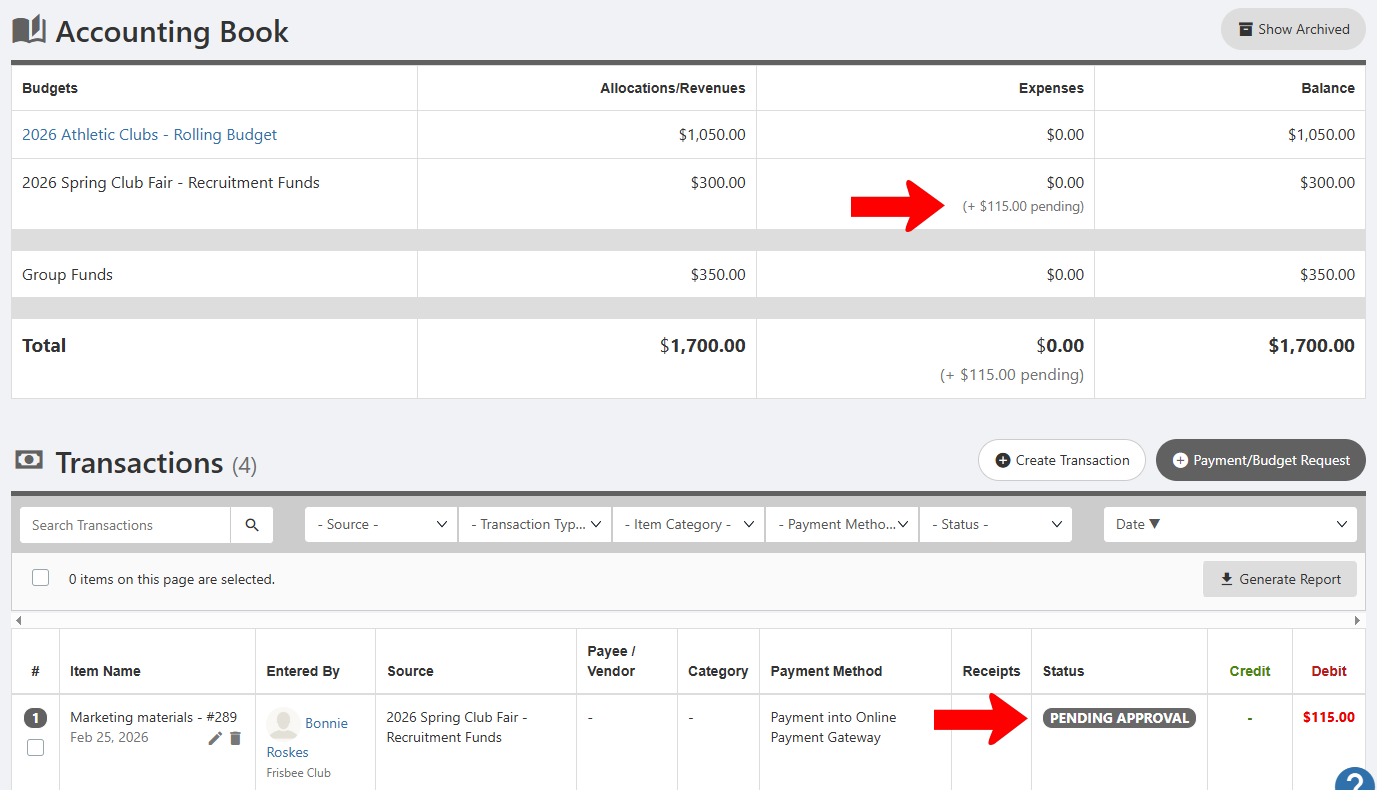
The requested payment is listed as pending at the top, and as Pending Approval in the transaction.
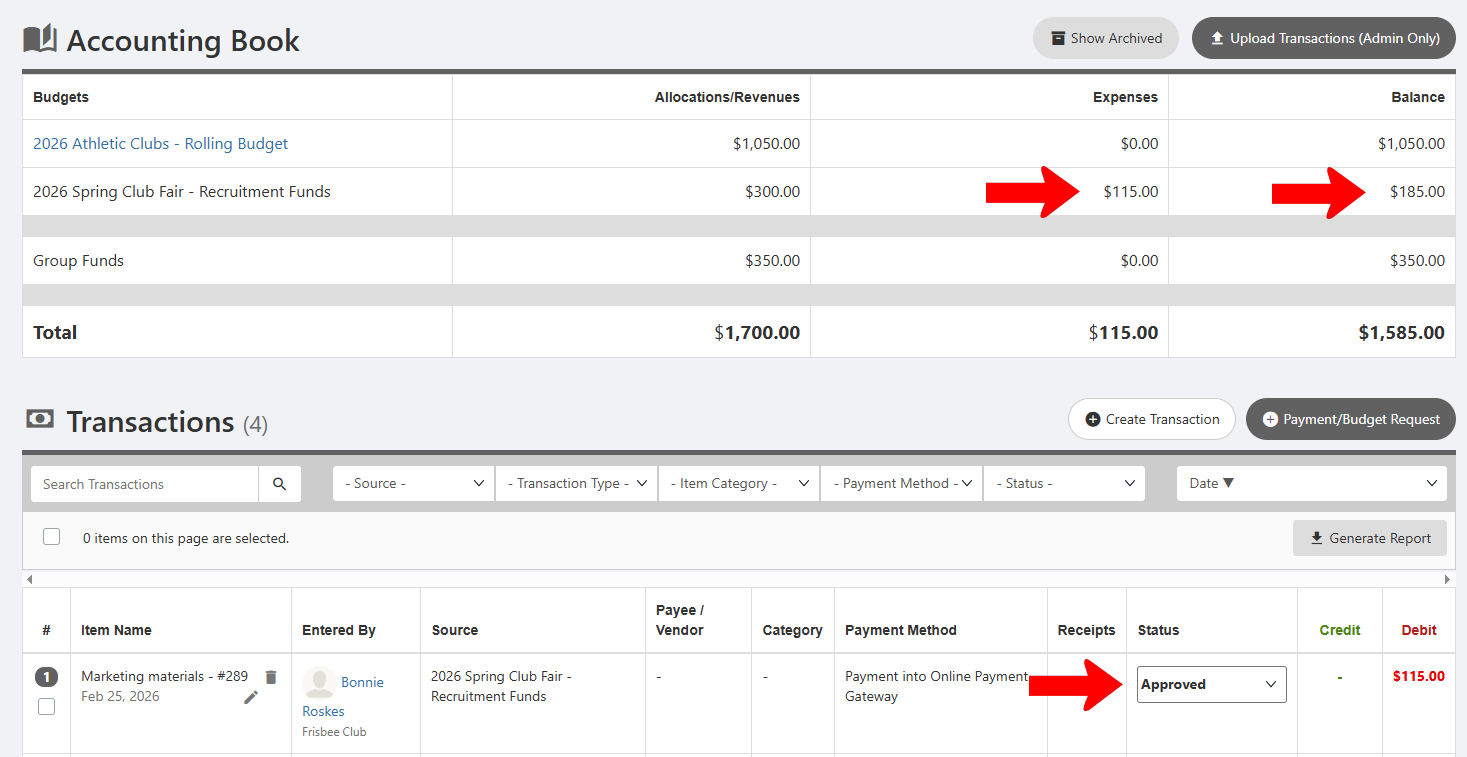
Once the request is approved, the transaction is listed as such, and budget expenses and balance update accordingly.