.png?width=500&height=91&name=CG-Logo-Blue%20(1).png)
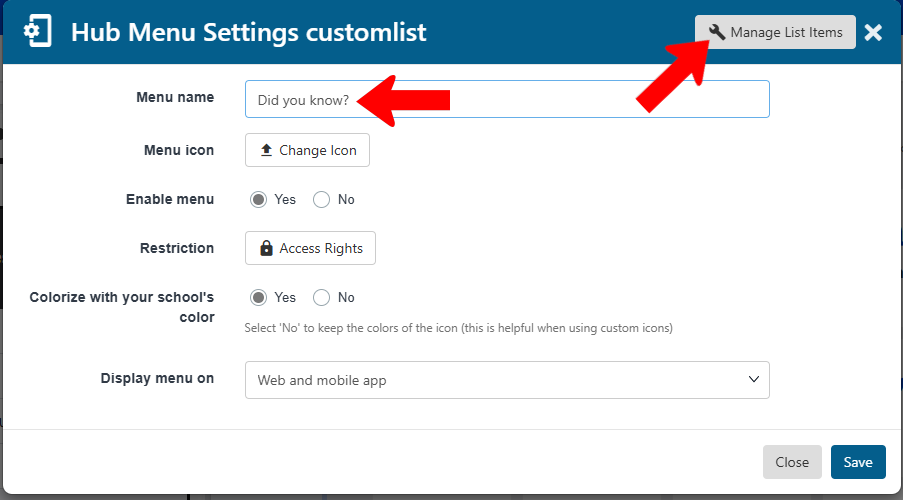
The Custom List hub menu item enables you to provide information in a list format, such as an FAQ or to-do list. Assign a menu name, and adjust standard settings Standard Hub Menu Item Settings as needed. To add list items, click the Manage List Items button.
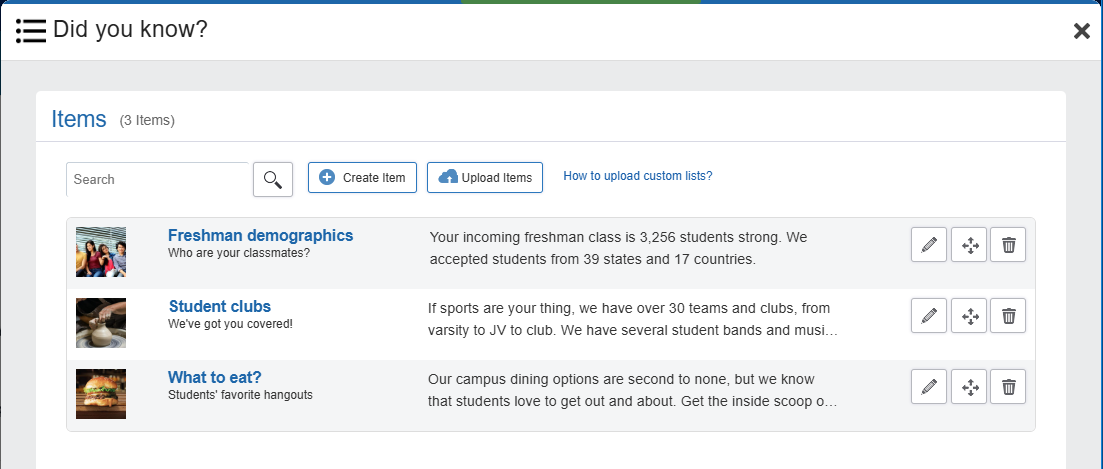
In the Items flyout, click Create Items.
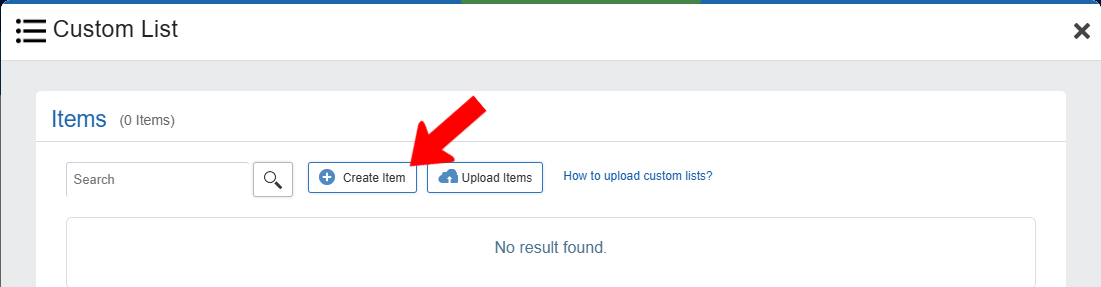
Note: If you have a list of items, click Upload Items. Download the template file, read the instructions, fill in and save the file, then upload.
Each list item needs a mandatory name, and other fields are optional. The description can consist of text, images, links, and other formatting features.
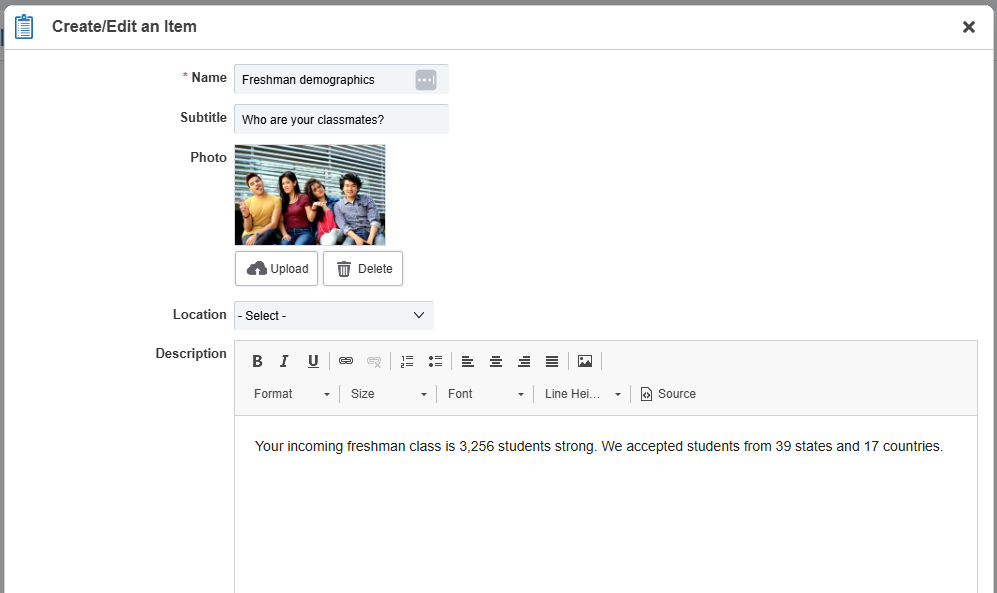
When your list is complete, and in the correct order, close the flyout and save the menu.
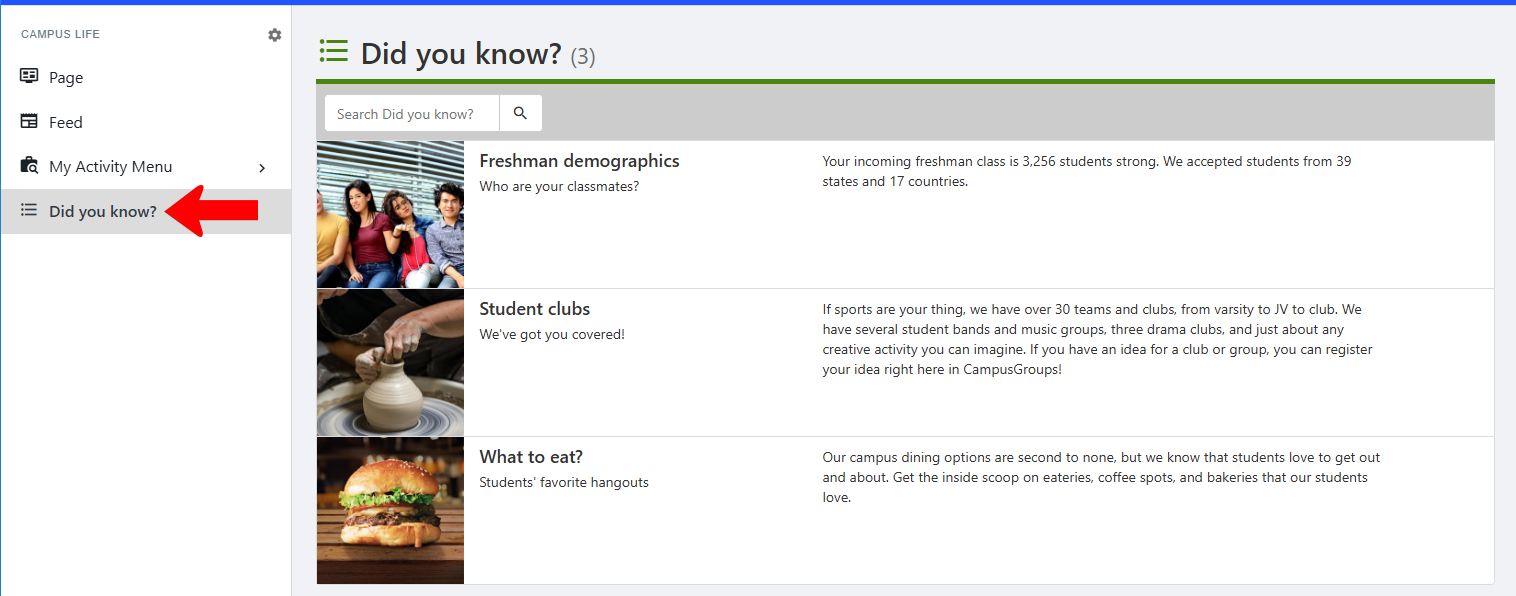
When hub users open the menu, they will see the custom list.