.png?width=500&height=91&name=CG-Logo-Blue%20(1).png)
For admins, the Event Dashboard presents an overview of attendees, registrations, and check-ins.
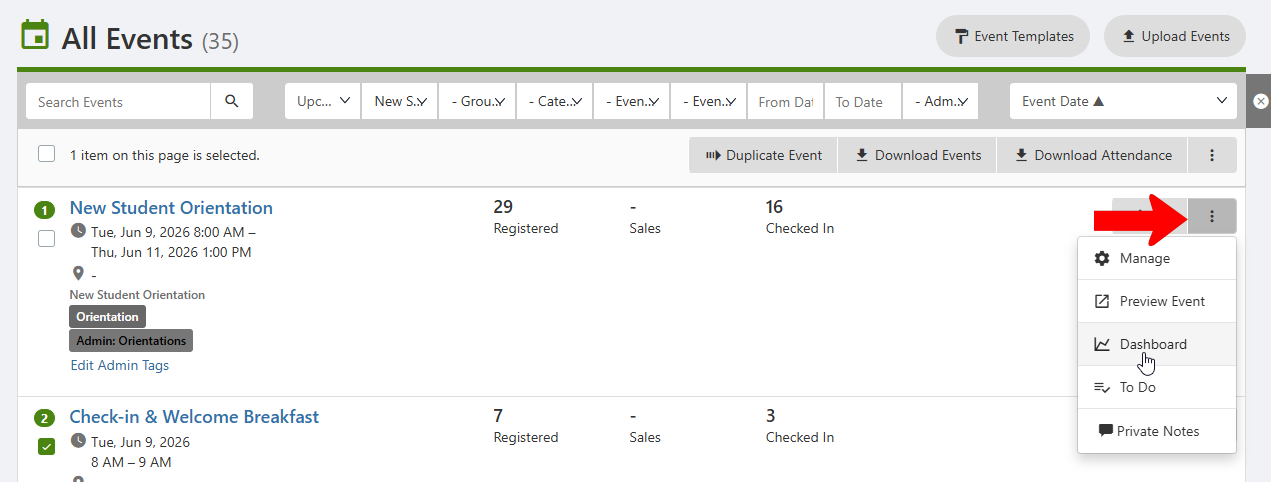
To open a dashboard, start in the All Events list Managing Events: Events List, and search or filter the list Managing Events: Events List to find the event. Click the event’s More icon and choose Dashboard.
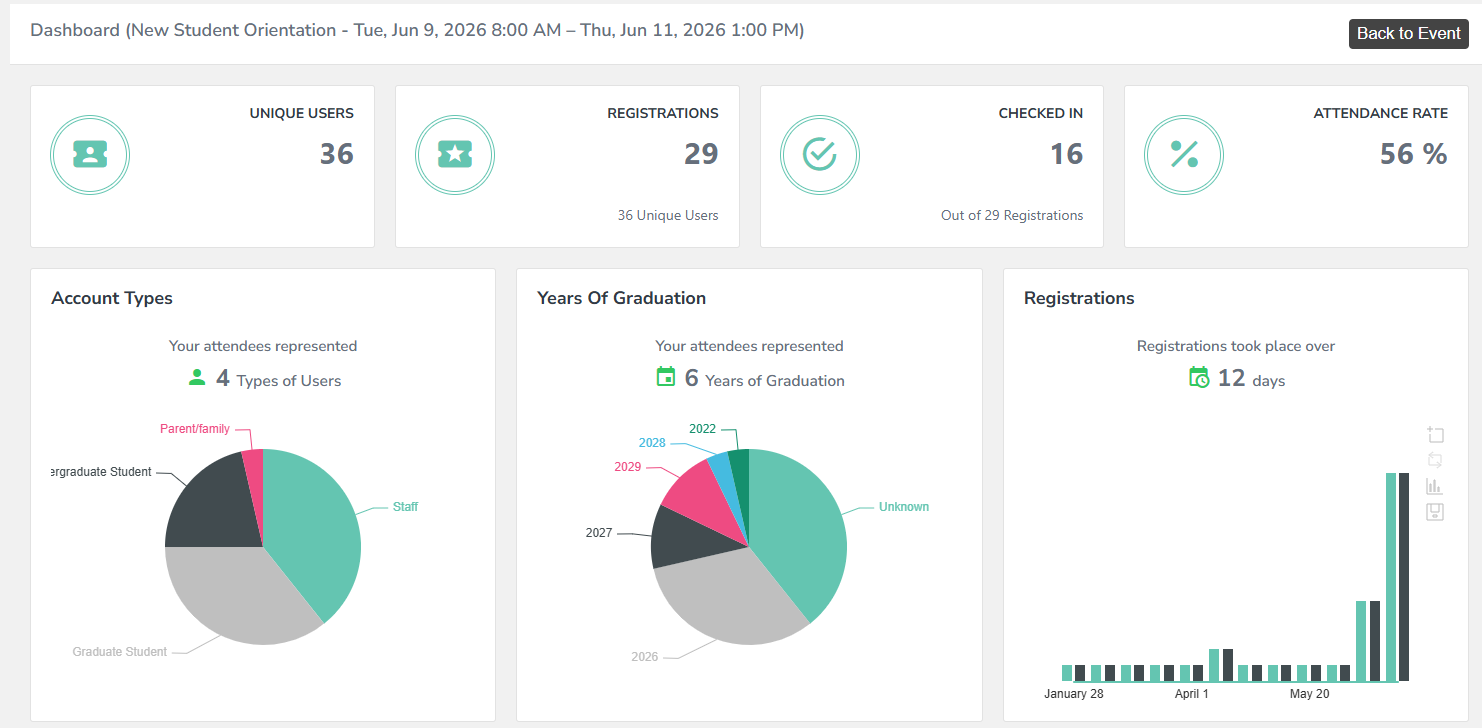
The widgets at the top present an overview of unique users, registrations, check-ins, and attendance rate. Below the top row is a breakdown of users by Account Type and graduation year, and daily registrations.
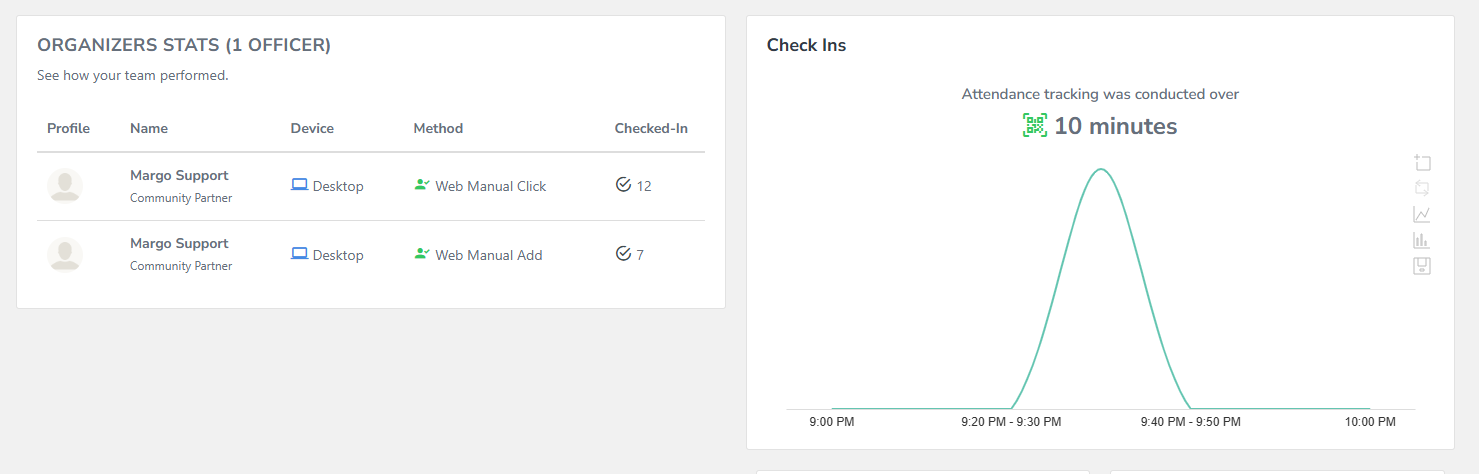
You can also see how the organizers did with check-in.
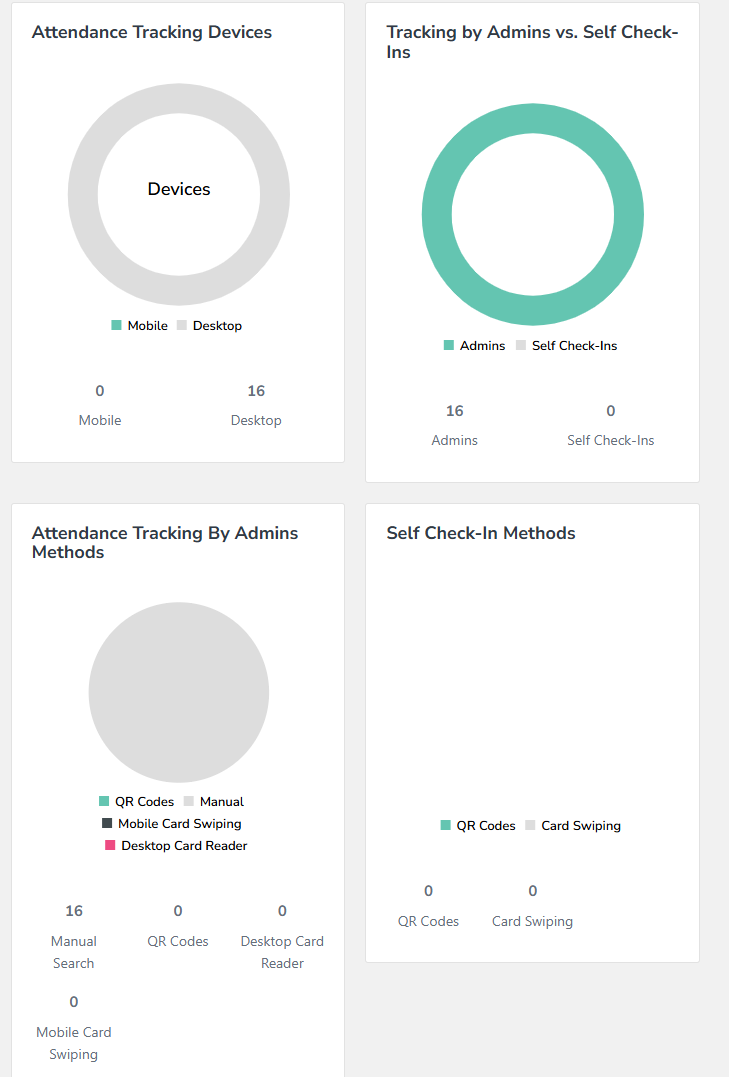
The widgets at the bottom break down check-in methods.