.png?width=500&height=91&name=CG-Logo-Blue%20(1).png)
The event page appears when a user finds and opens your event event page, or clicks the event in the calendar. This is also the page users see when they are invited to the event. In addition to event details, the event page also allows users to register.
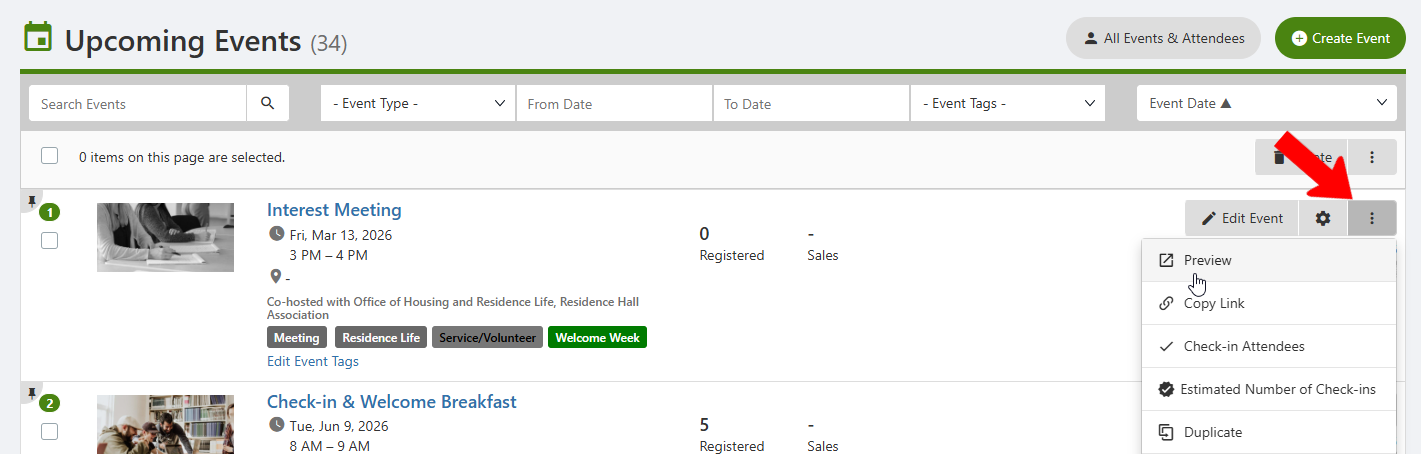
To see how this page looks, find the event in your Events list.
Click the event’s More icon and choose Preview.
What appears on this page depends on what is set as visible during event creation.
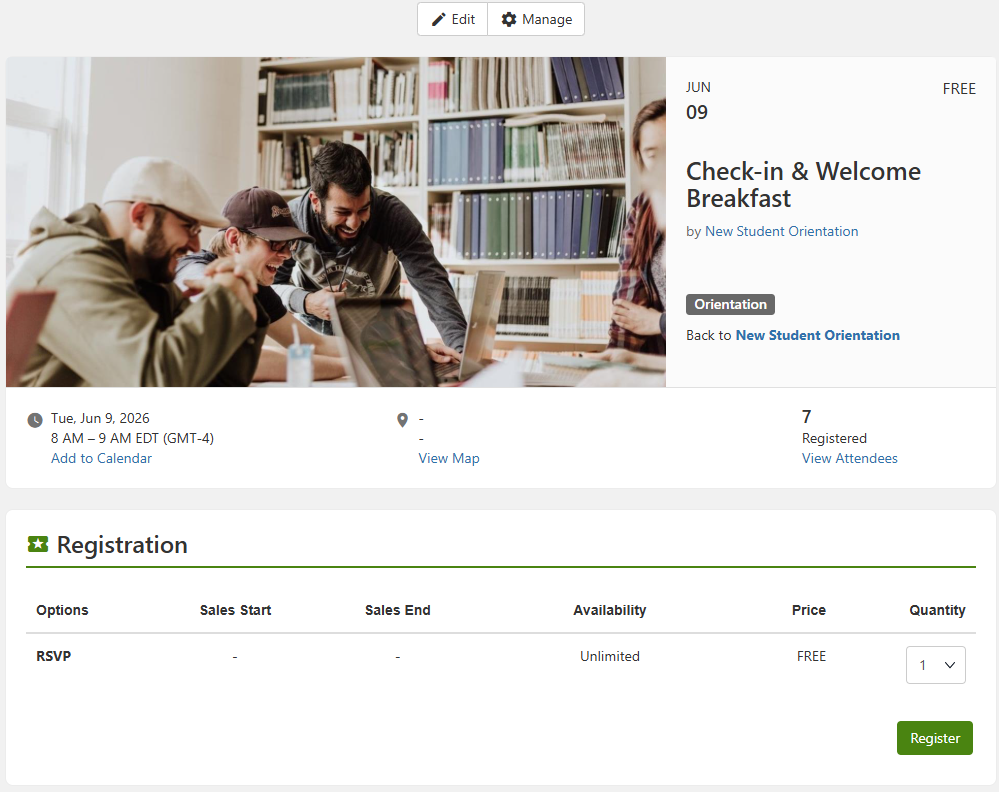
On web, event details are listed at the top, with number of registrations and a link to view attendees if enabled. Registration options Registration and Feedback Options are just below.
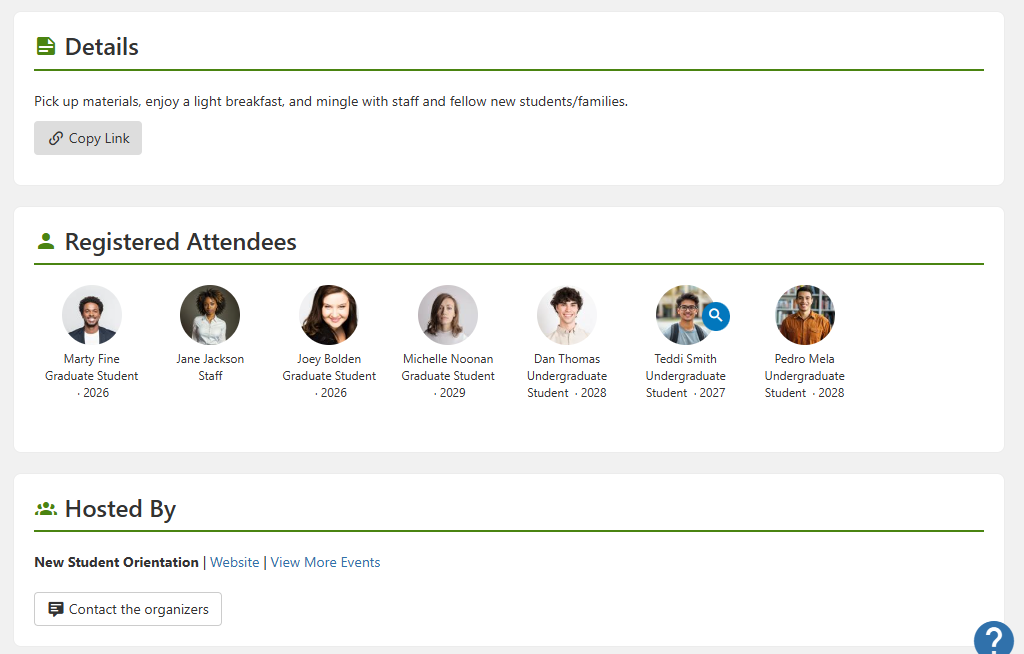
Other details in this page may include event description, attendees, and host information.
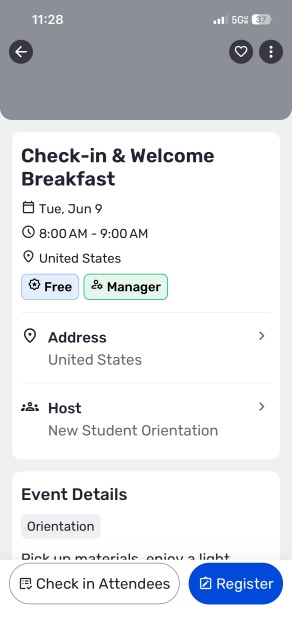
The event page on mobile shows the same details.