.png?width=500&height=91&name=CG-Logo-Blue%20(1).png)
A user who creates an event can start from scratch, or use a template.
Group officers can create templates for use only in their own group. Templates created by admins are created the same way, and can be used platform-wide, depending on event settings.
A template is created as an event, and defined as a template so that it won’t appear in the calendar.
To create a platform-wide template, manage any group. This will be the group hosting the template, but the template itself will be available to all groups. Open Events along the left and click Event Templates.
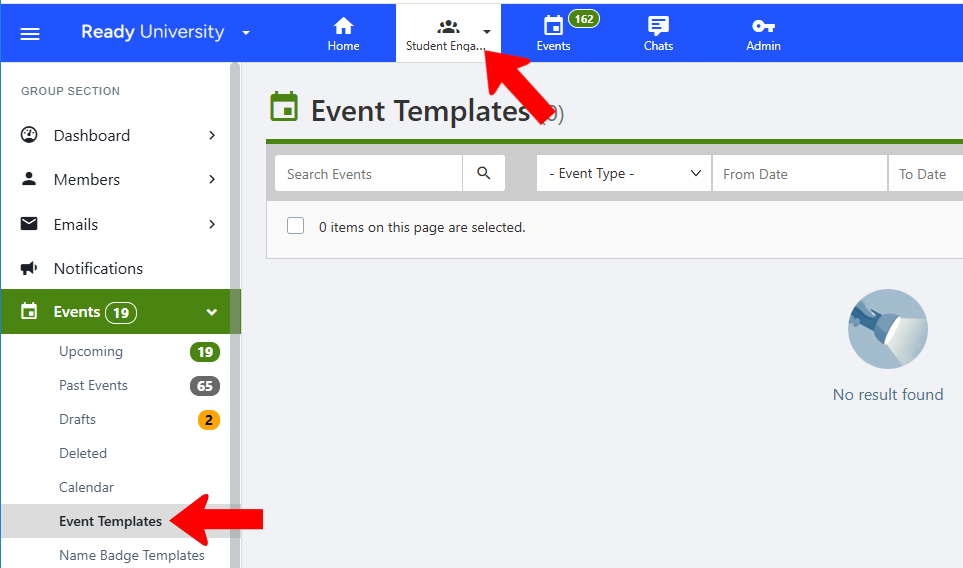
Click Create Event.

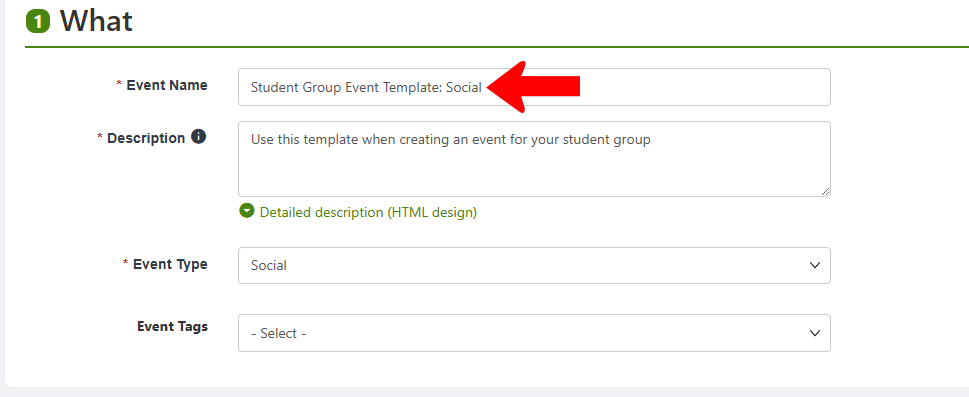
You may want to assign a name easily recognized as a template. Proceed as you would when Creating an Event, reflecting details that should appear in the template. (Though any field can be changed when the template is used to create an actual event.)
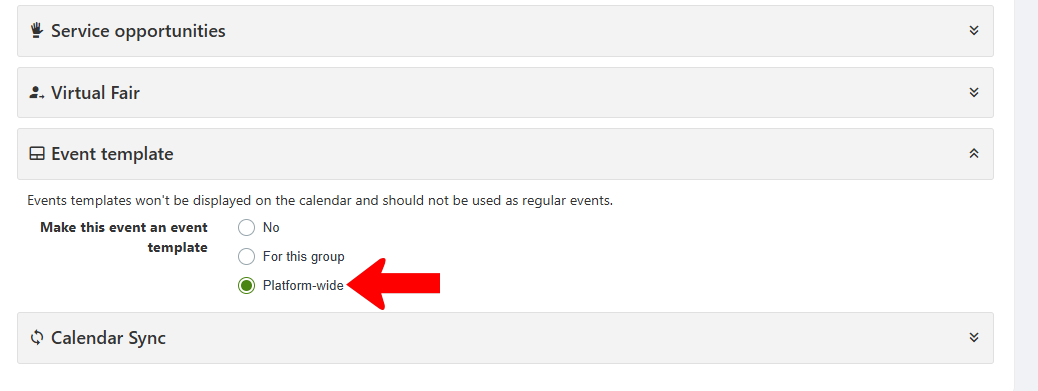
In Advanced Settings, scroll down to Event template and make the event a Platform-wide template. You can also create the template for just the hosting group.
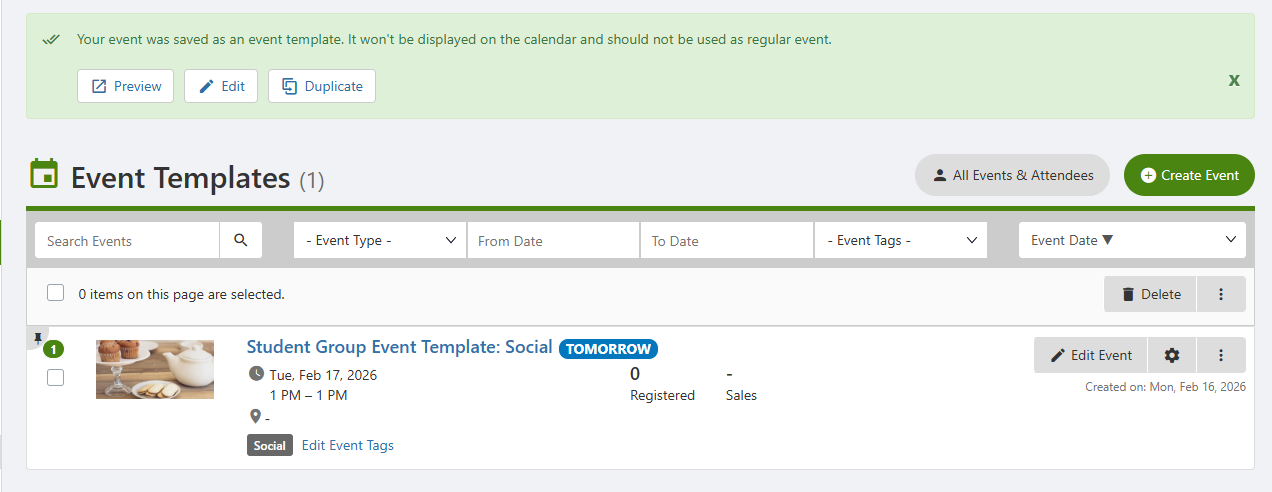
Once saved, the template will appear in the Event Templates list for the hosting group. A note at the top indicates that the event will not be displayed in the calendar. Any Event Tags or Admin Event Tags applied here will be included with the template.
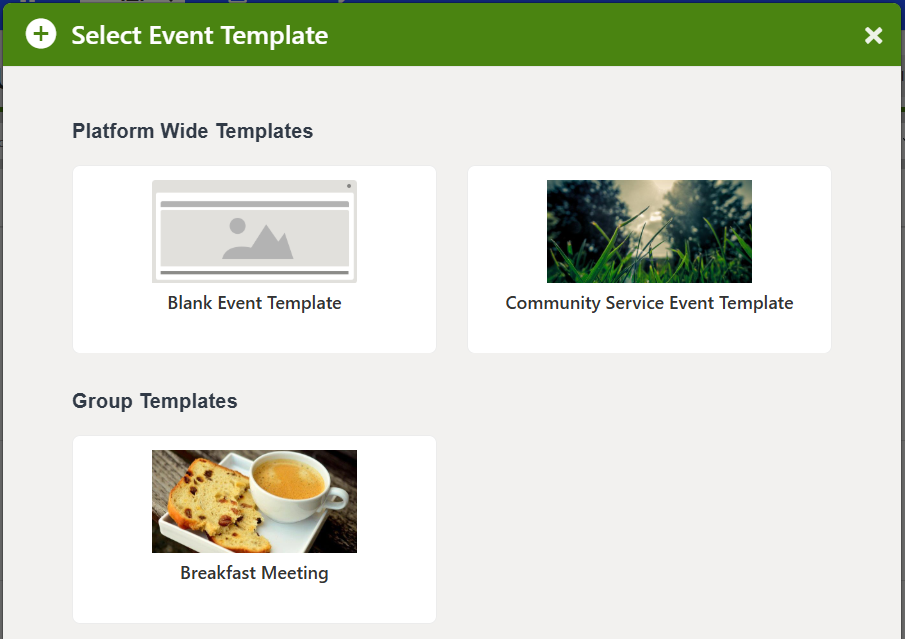
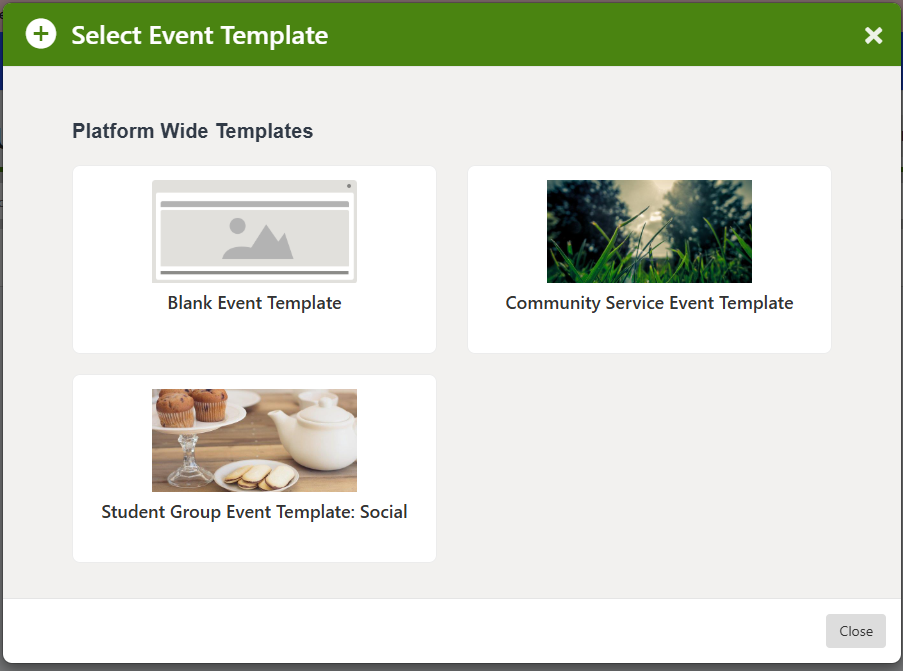
Now when any platform user creates an event, the template you created will appear in the Select Event Template popup.
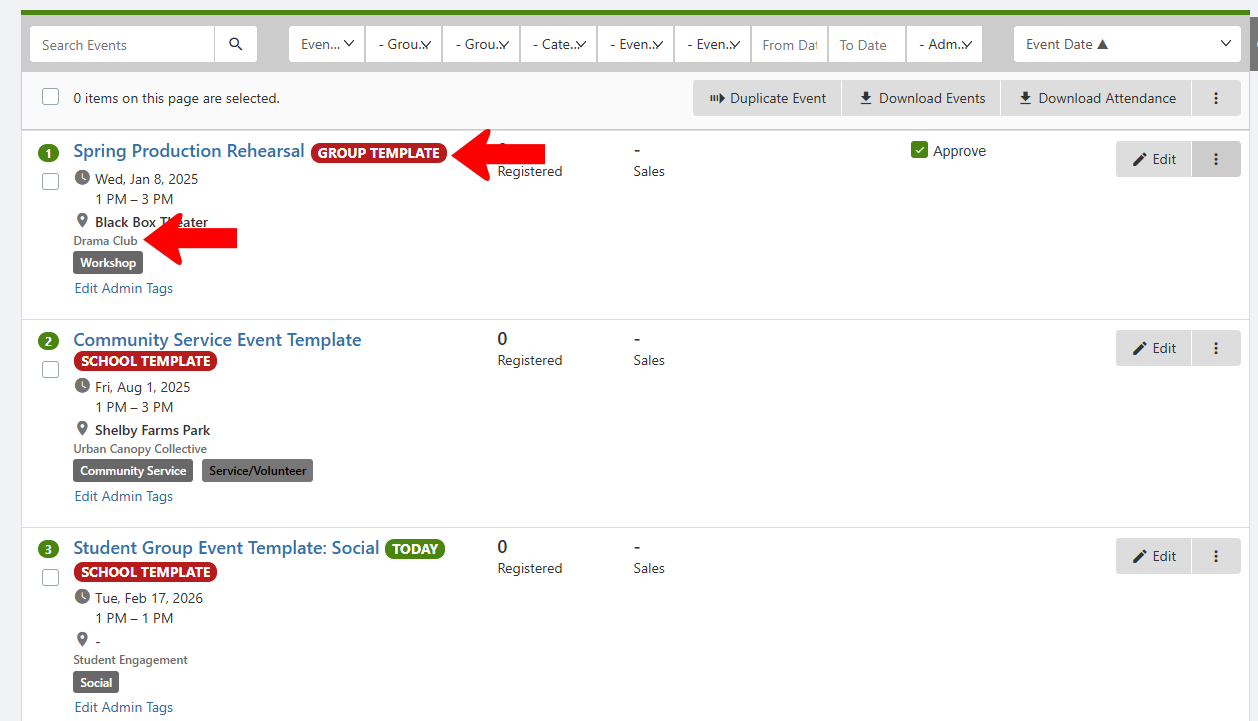
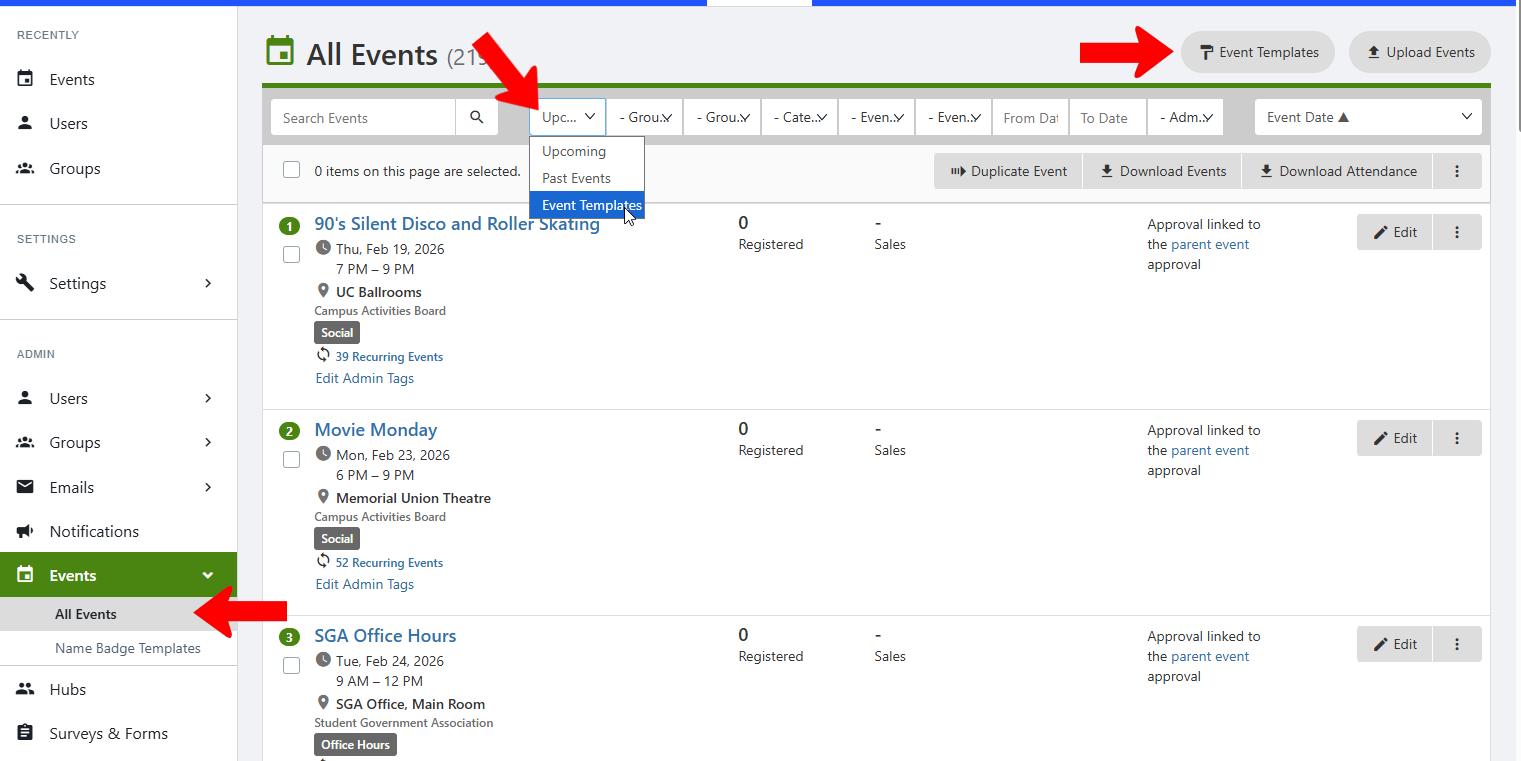
To see all templates for all groups, switch to Admin mode and open All Events. Either filter the list Event Templates for Event Templates or click Event Templates at the top.
Each template is listed with its hosting group, and you can see whether it is group-specific or available platform wide (School Template).