.png?width=500&height=91&name=CG-Logo-Blue%20(1).png)
Field Permissions allow admins to select which fields should be limited or hidden within the system. Field permissions apply to:
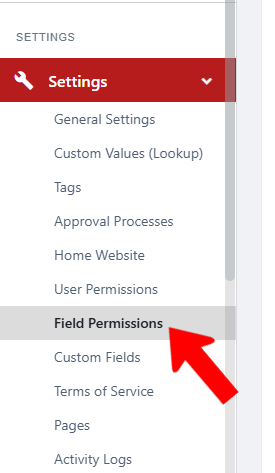
To access field permissions, switch to Admin mode Group Settings if needed. Open Settings on the left, and choose Field Permissions.
User Profile Fields
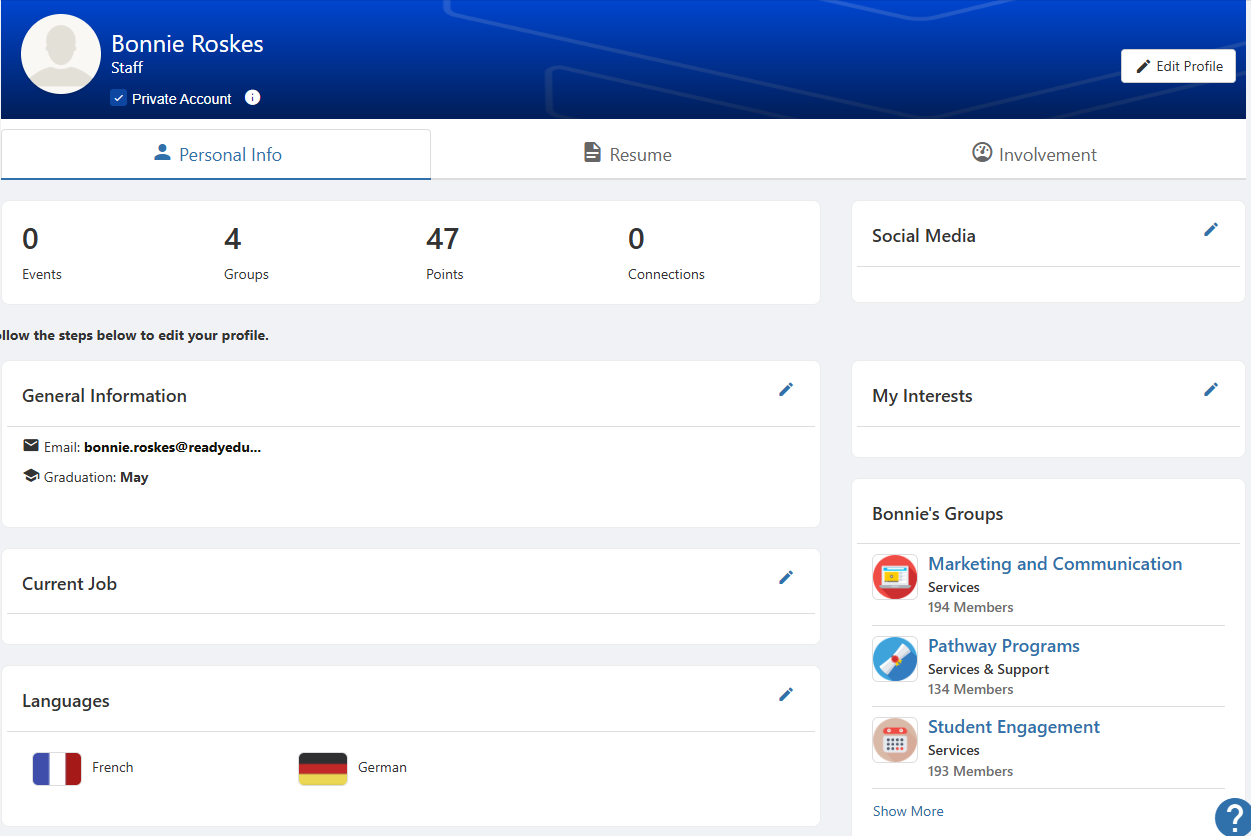
When viewing your user profile User Profile and Privacy, typical fields that appear are name and email, interests and groups, etc.
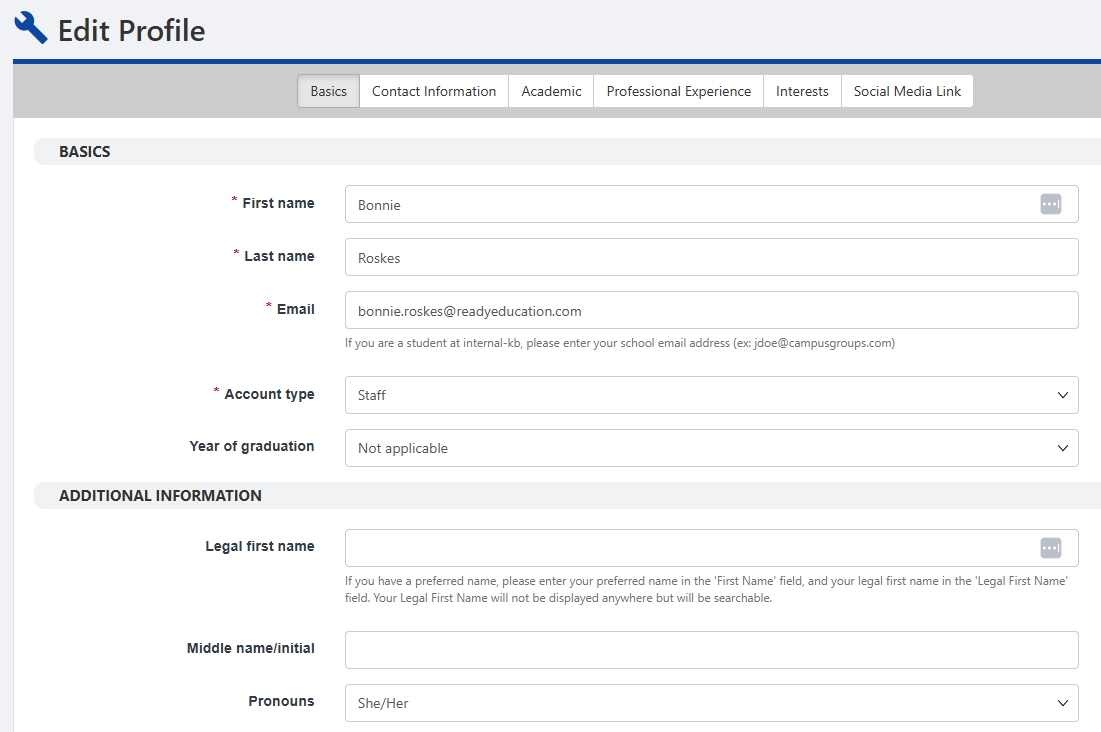
Most of these fields are also available when editing your user profile User Profile and Privacy.
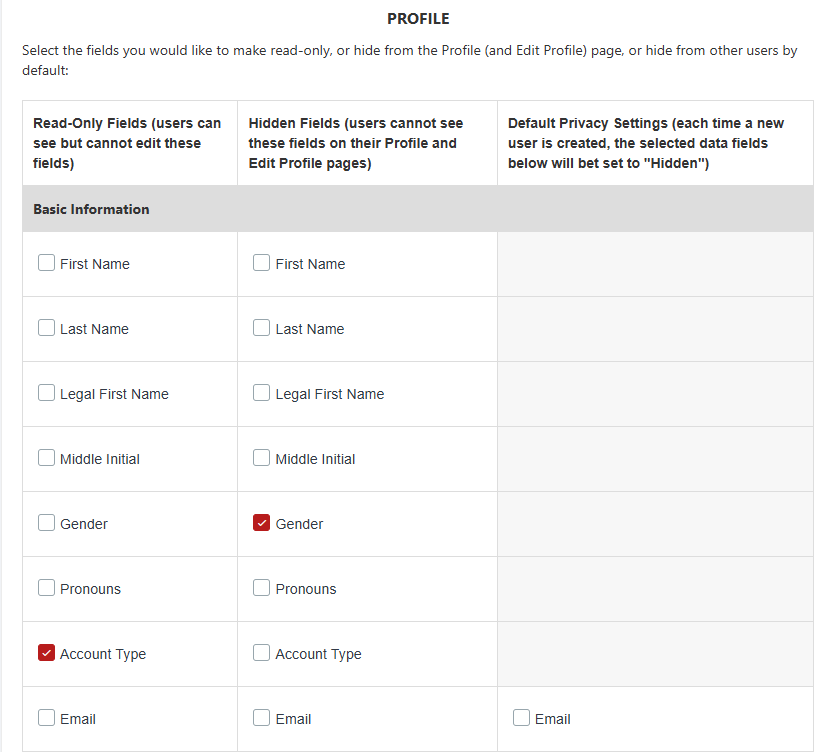
The Profile section of the Field Permissions page is where admins can control these fields.
For example, you can make Account Type visible but read-only on user profiles. Or you can make Gender hidden on both the profile and Edit Profile page. The Default Privacy Settings apply to new users, providing the option for them to edit what other users can see on their profile.
Group Setting Fields
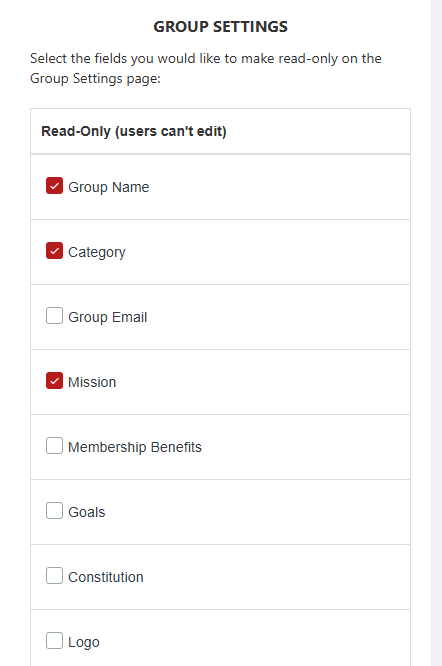
Select the fields that should be read-only in the Group Settings.