.png?width=500&height=91&name=CG-Logo-Blue%20(1).png)
Logics added to forms enable you to create triggers based on specific user actions. Logic types include:
- Question Logic: A user’s answer to a question triggers another question.
- Page Logic: A user’s answer to a question opens a specific page of the form.
- Submission Tag Logic: A user’s answer causes one or more tags to be applied to their form submission.
- Submitter Tag Logic: A user’s answer causes one or more tags to be applied to their user profile.
- Workflow Logic: For forms that are linked to an approval workflow Workflow Logic, workflow logic starts the approval workflow process at a specific step, based on the question’s answer.
Logics can be applied to questions when Creating a Form, or when editing a form from the Surveys & Forms list Creating a Form.
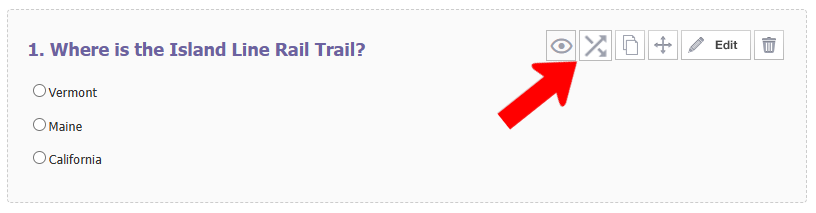
Questions for which logics can be applied have a Logics icon.
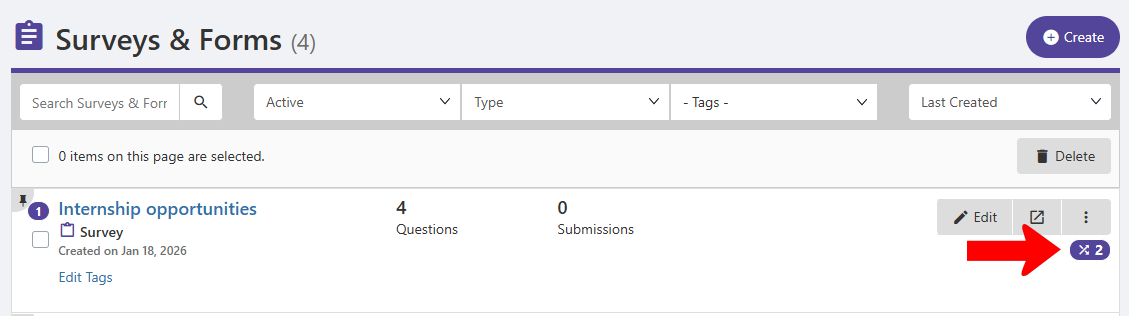
In the Surveys & Forms list, the total number of added logics are indicated for each form.