.png?width=500&height=91&name=CG-Logo-Blue%20(1).png)
Platform admins can add dates to the main calendar that are not otherwise created by groups. These dates include academic break periods, final exam periods, registration dates, last day to drop a class, etc.
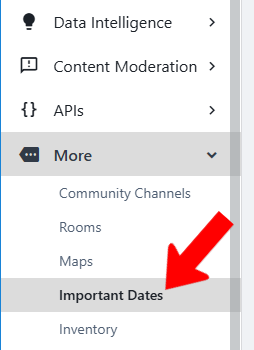
To view and edit dates, switch to Admin mode if needed. Open More along the left and choose Important Dates.
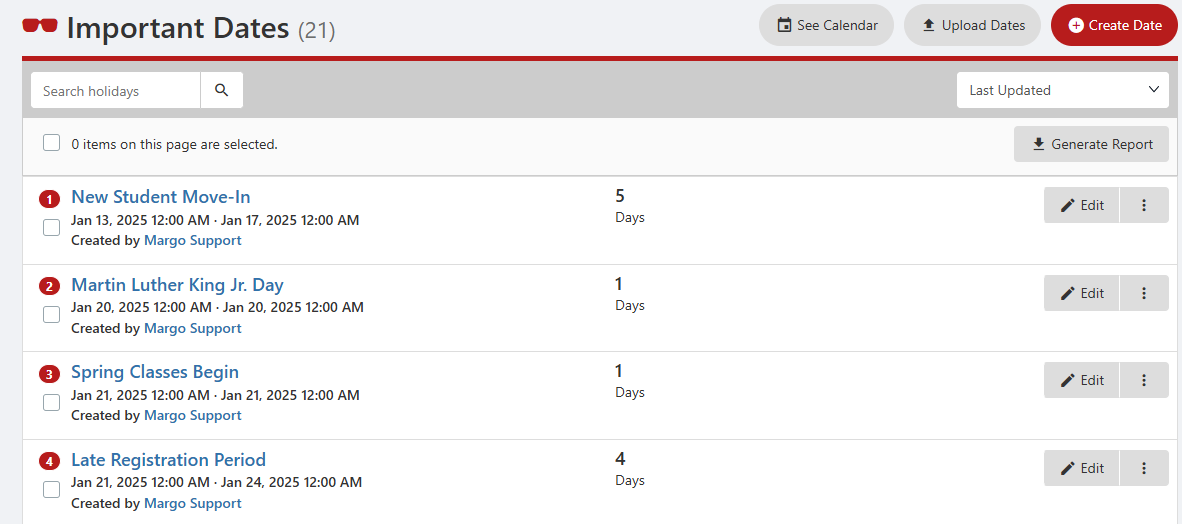
Dates can be added via the Create Date button, or you can click Upload Dates if you have dates listed in a spreadsheet. Click See Calendar to confirm that dates appear correctly.
All important dates will appear on all user calendars.