.png?width=500&height=91&name=CG-Logo-Blue%20(1).png)
There are several ways that users can become members of your group.
Note: In the Advanced tab of the Group Settings, a platform admin can enable options to automatically collect group members (or contacts) based on specific criteria such as Account Type or User Tags.
Group officers can add members manually, or upload a list of members.
You can also enable users to join on their own. Note that membership access is set on the Membership tab of the Group Settings.
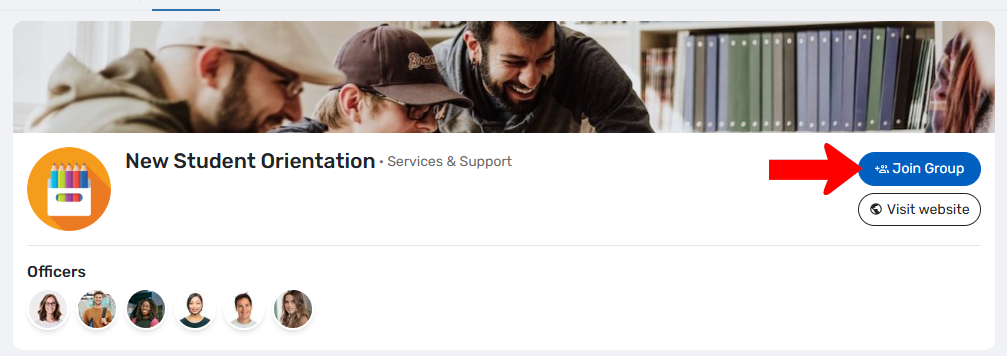
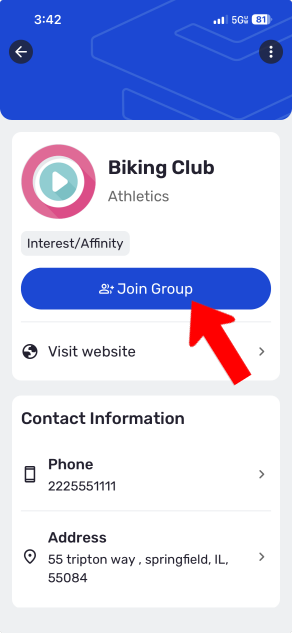
- When exploring groups Exploring and Joining Groups, users can click the “Join Group” link on your Group Page, both on web and mobile.
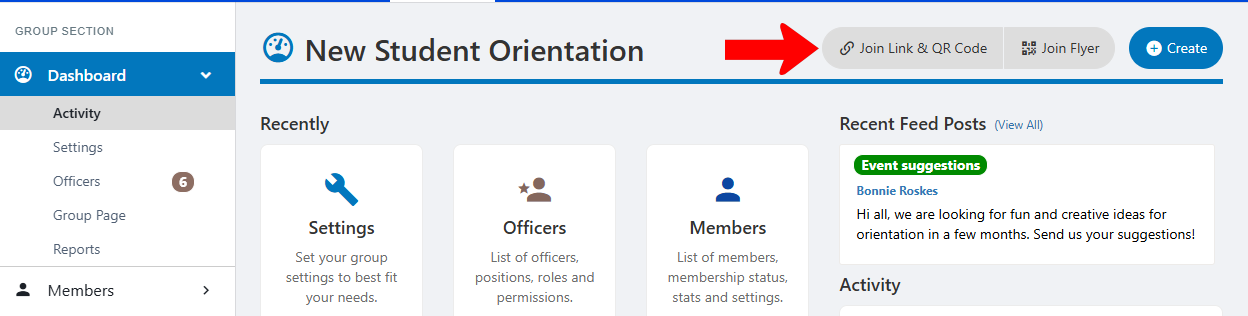
- Officers can distribute the sign-up link and / or QR code. These can be found on the group Dashboard Managing Your Group, Group Dashboard at the top right.
Notes:
- If you have multiple membership options set up, or one or more paid membership options, the user will have to choose membership type and / or pay before joining. These options are set on the Membership tab of the Group Settings.
- If your group is not set to auto-validate new members, then any user who clicks a join link will have to be validated by an officer Validating New Members.