.png?width=500&height=91&name=CG-Logo-Blue%20(1).png)
Whereas group officers can manage their own officers User Permissions, admins can manage officers of all groups This requires that you have admin permission for Groups.
Notes:
- There is a separate list for all group members Members List: Managing Group Members.
- You can upload group members and officers Uploading Group Members and Officers from a spreadsheet.
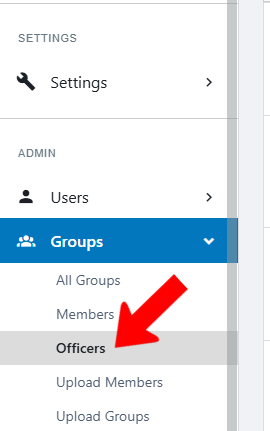
Switch to Admin mode if needed. Open Groups on the left and choose Officers.
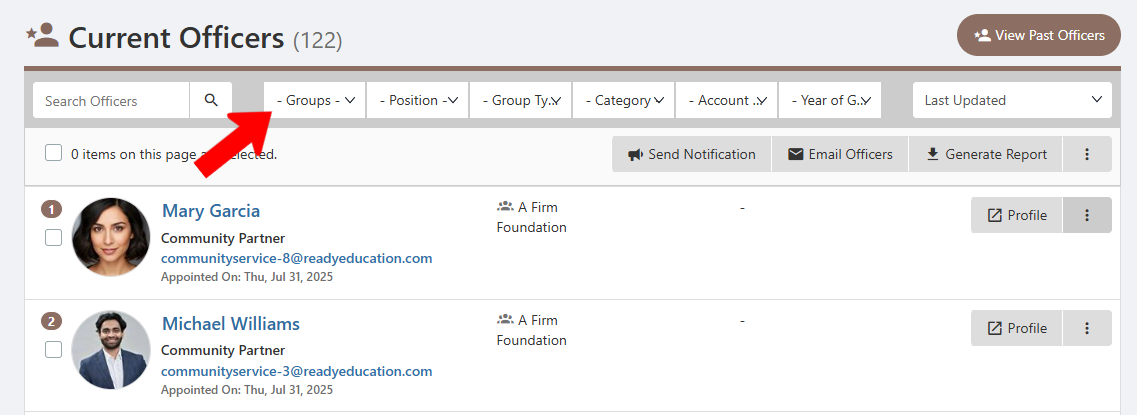
This opens the All Officers list. This list can be searched or filtered Tags for specific groups, officer role, Group Type Tags, Group Category Tags, Account Type Tags, and graduation year. There is also a button to View Past Officers.
Each officer is listed once for each group for which they are an officer. Each member also has a Profile button, and clicking the More (three-dot) icon opens an option to add a private note to their User Dashboard.
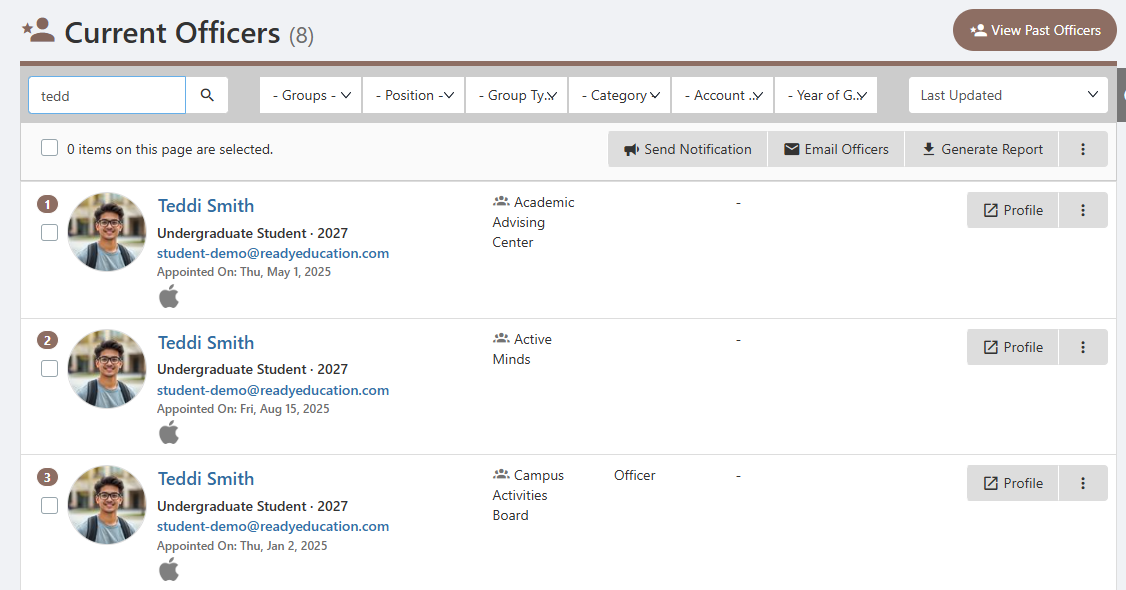
Like with the All Members list, clicking a user’s name opens their user profile popup.
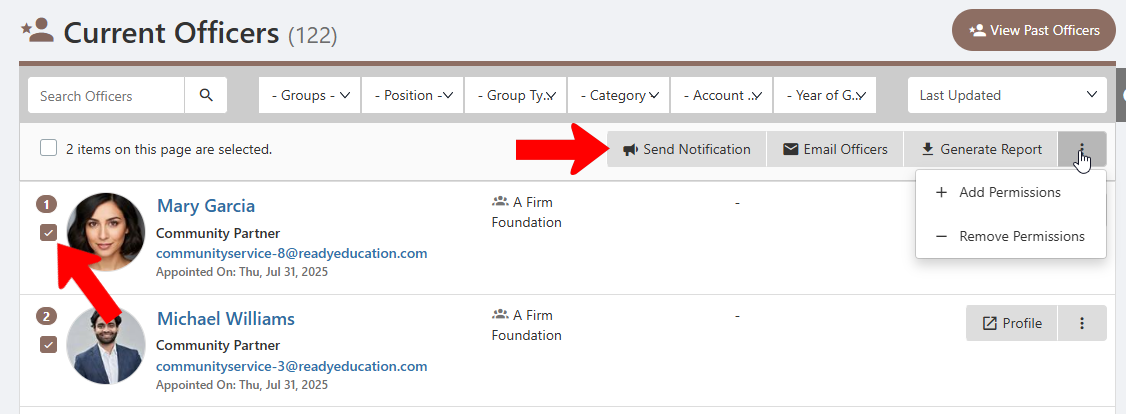
When one or more officers are selected, there are options at the top to email or send notifications to selected members, and generate a member report. Clicking the More (three-dot) icon opens a menu with options to add or remove officer permissions Managing Officer Permissions.