.png?width=500&height=91&name=CG-Logo-Blue%20(1).png)
Members and officers of your group can be assigned custom positions, such as Tutoring Coordinator, Equipment Manager, etc.
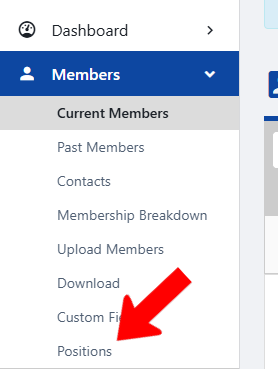
To create a position, start by managing your group Managing Your Group, Group Dashboard. Open Members along the left, and click Positions.
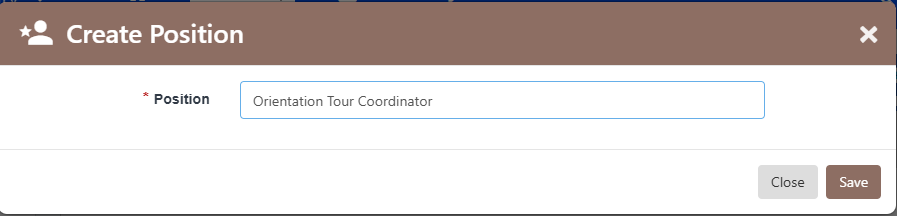
Choose whether the position will be applied to members or officers.

Assign a position name and save.
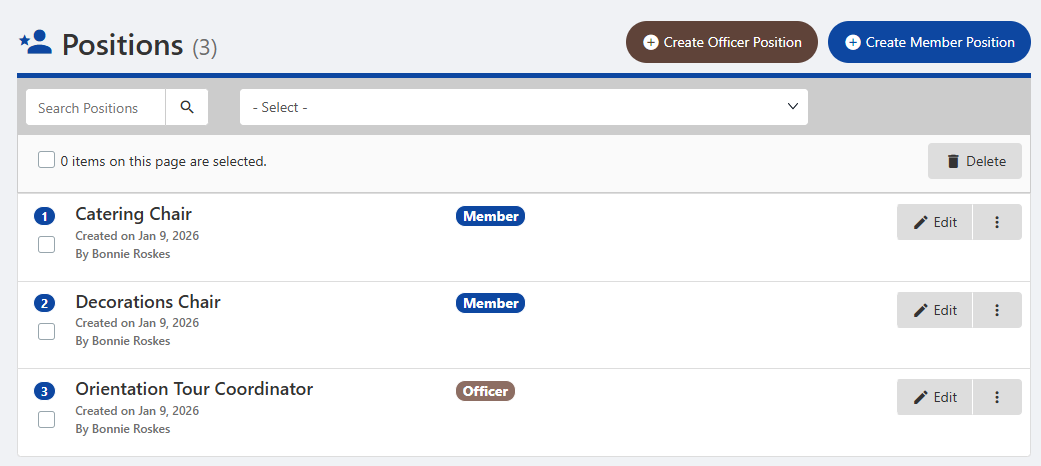
Each position is listed in the table, tagged as Member or Officer. Each position can be edited, or deleted by clicking the More (three-dot) icon.
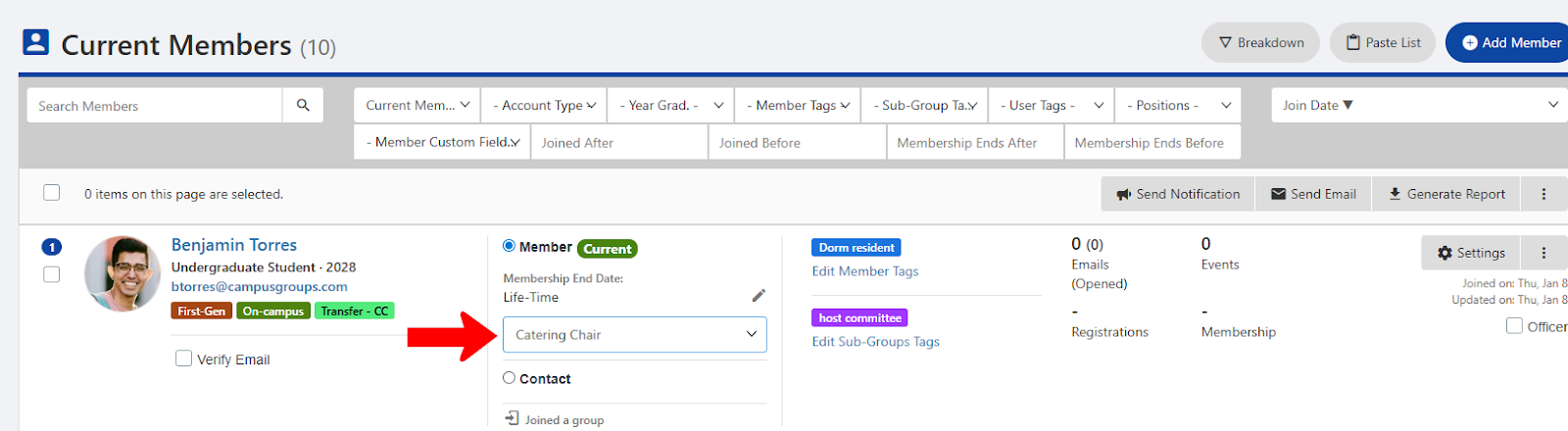
Member positions can be assigned in the list of Current Members Members List: Managing Group Members.
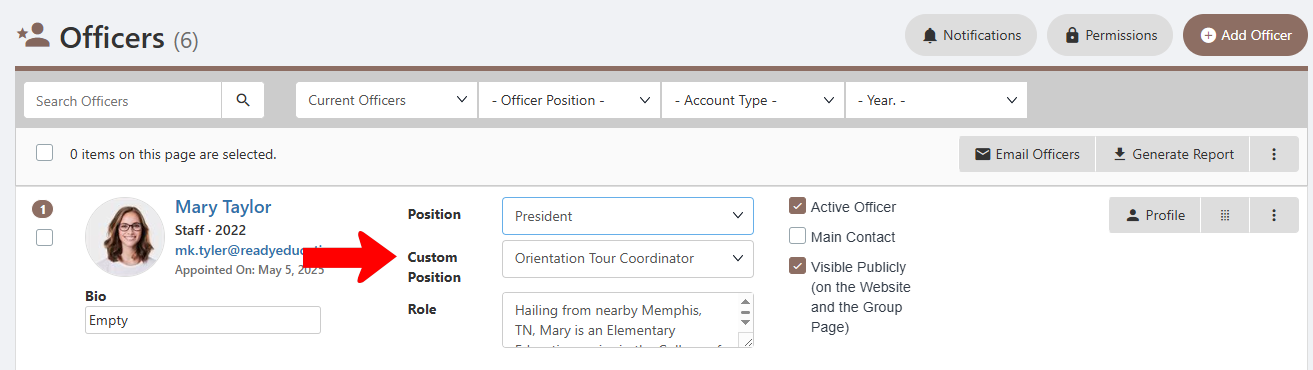
Officer positions can be assigned in the Officers list Officers List: Managing Officers.