.png?width=500&height=91&name=CG-Logo-Blue%20(1).png)
This financial integration enables students to:
- View account charges
- View payments made
- See the balance per term
- Connect directly to the system where their account is managed
Account balance information is synced from your Student Information System (SIS). Configuring the integrations is managed by our Implementation Team in partnership with your Academic Tech / IT department.
Supported Student Information Systems:
- Banner
- Peoplesoft
- Anthology Student*
*Note that Anthology Student does not provide a dedicated field for “term balance,” so this value is calculated within CampusGroups as [total of charges] - [total of payments].
Note: These integrations are one-directional feeds into CampusGroups. The integrated content is designed to help students manage their account by viewing their balances and co-curricular activities in one place, but it is not intended to replace your existing platforms. We provide links to the source system to help them manage their account in the system of record.
If you have the Ready Campus package, then the first step is for our Implementation Manager to activate the “My Account Balance” feature for your instance, and configure the integration. For this we will need:
- the URL to the system where students can see details about their balance, and manage their payments and charges
- the label you will use for the call-to-action button that appears on the My Account Balance page
Once the integration is complete, there are two ways to make My Holds accessible to users:
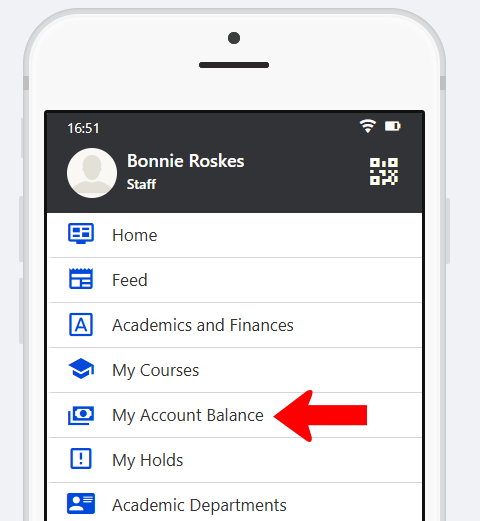
In a Community Hub My Holds, include the My Account Balance hub menu item Community Hub. You can set this hub menu to appear on web only, mobile only, or both.
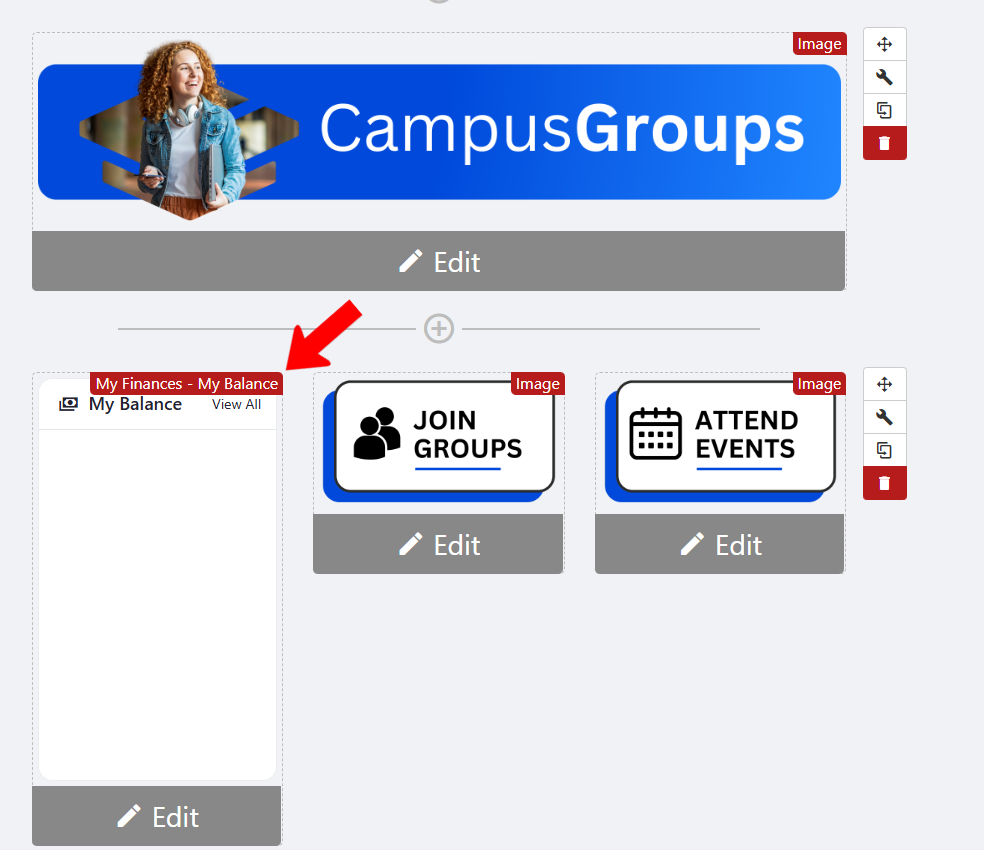
On the hub’s Home Page, add the My Finances / Account Balance widget.
Account balance data will be displayed like this in the widget:
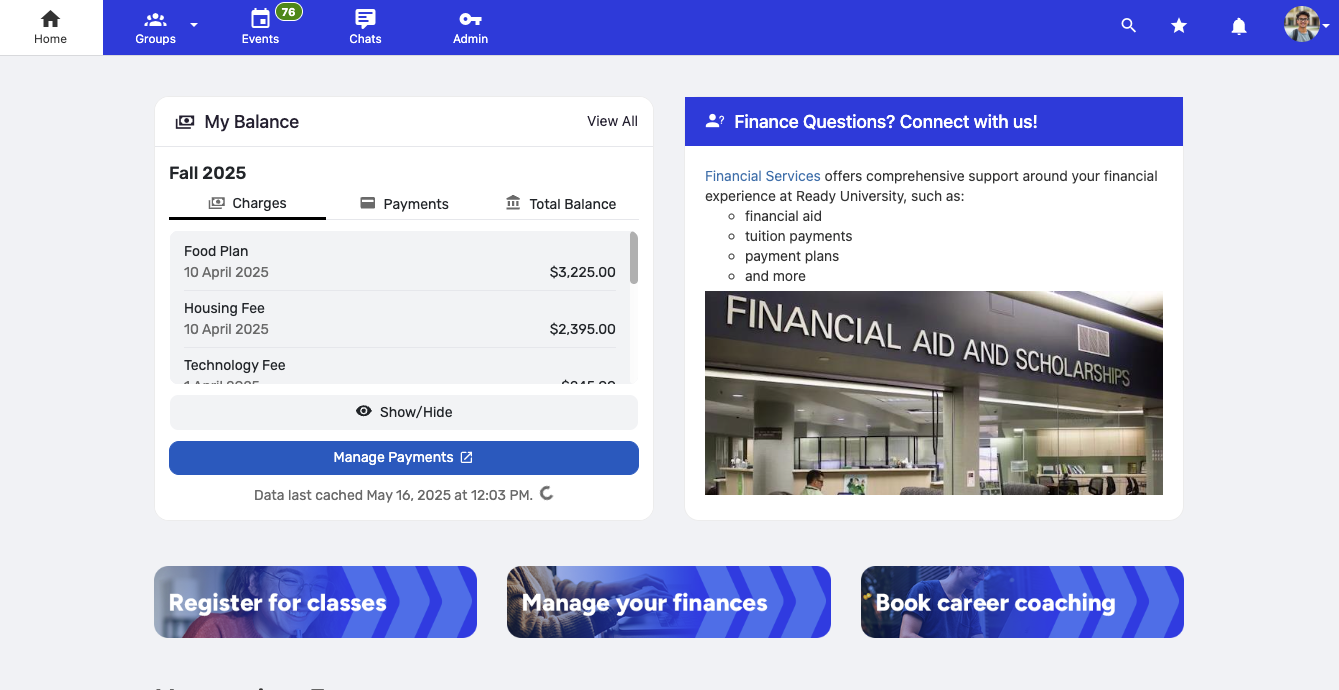
Note: Due to the sensitive nature of finances, when impersonating another user in the system Impersonating Another User, account balance data is not shown. Similarly, balance data in the page widget is obscured unless the user opts to display it..