.png?width=500&height=91&name=CG-Logo-Blue%20(1).png)
Pages are internal, platform-created web pages related to a Community Hub Hub Pages or Event Hub Hub Pages. Pages can be accessed by hub users via a Page hub menu item Hub Pages on the web version (not the mobile app). A page can be used in multiple hubs.
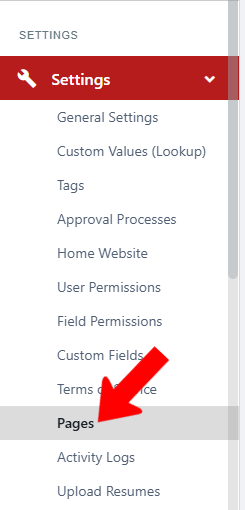
To access hub pages, switch to Admin mode Hub Pages if needed. Open Settings on the left, and choose Pages.
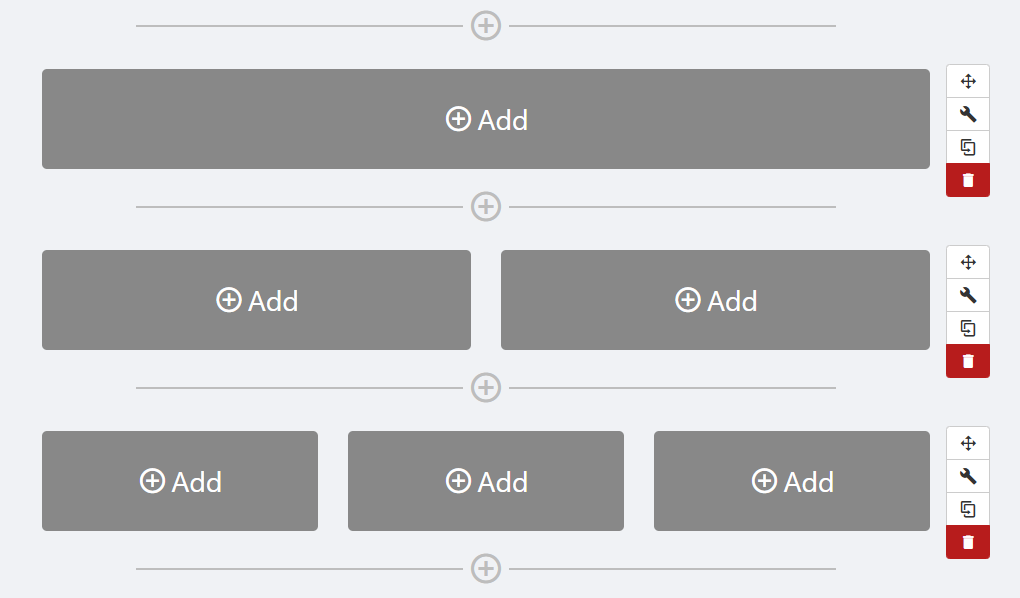
Hub pages are based on groups of widgets. Gray spaces are widget placeholders, and you can click an Add icon to add another widget group. When hovering on a widget group, there are options to move, duplicate, or delete the widget, or open its Settings.
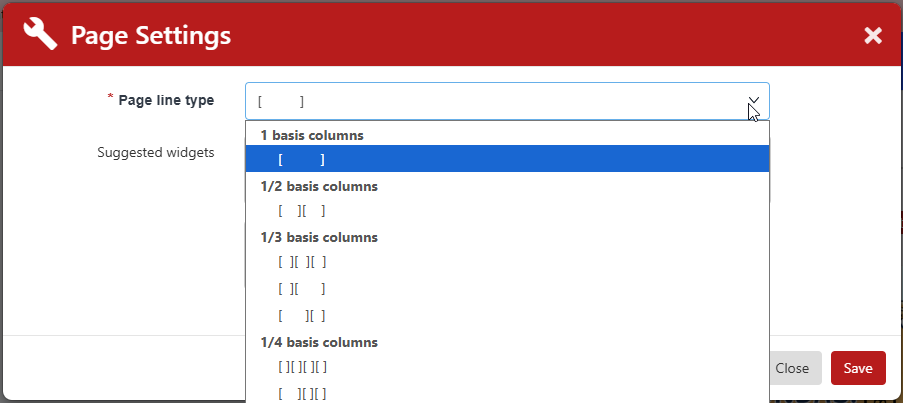
When adding a group of widgets, choose the number and configuration in each group.
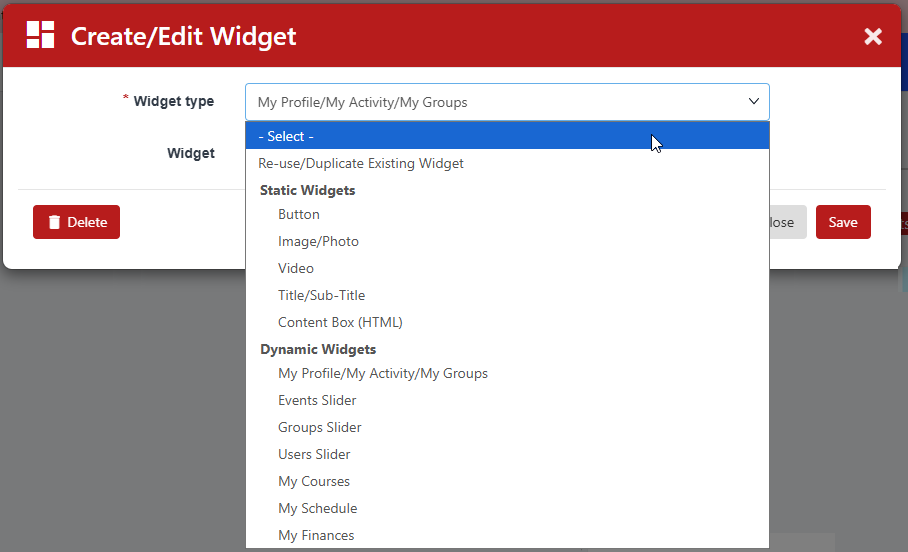
When adding a widget, there are several static (text or image) and dynamic (user-dependant content) choices.
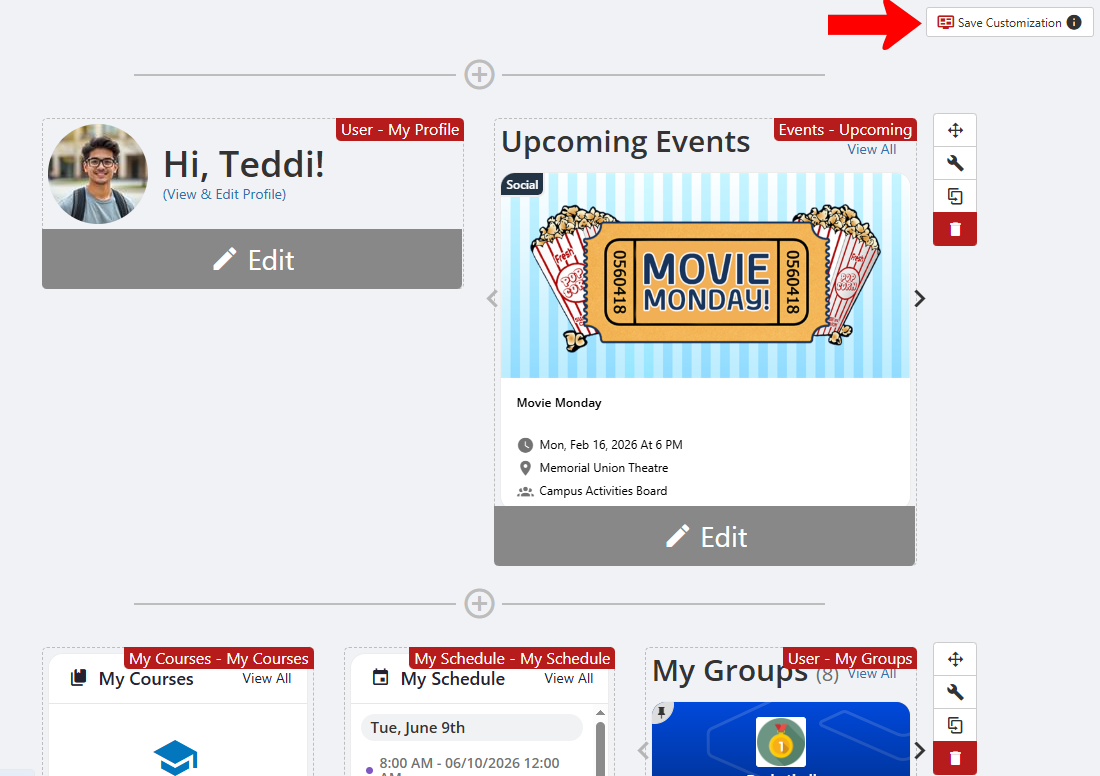
Once your page widgets are configured, click Save Customization.