.png?width=500&height=91&name=CG-Logo-Blue%20(1).png)
Groups sometimes provide their own funds, via ticket sales, sponsorships, etc. If the Group Funds feature is enabled, only an admin can record group funds. Someone from the group must convey group fund details, such as amounts and dates, to an admin.
Note: The Group Funds feature is enabled on the Money & Finance tab of the General Settings.
When groups create a Payment Request General Settings, they can request from their group funds, or as a combination of group funds and budget. But even when requesting only group funds, groups still need to choose a budget even if the requested amount is zero. Therefore, we recommend that admins create a placeholder Simple Budget Creating a Simple Budget for this purpose.
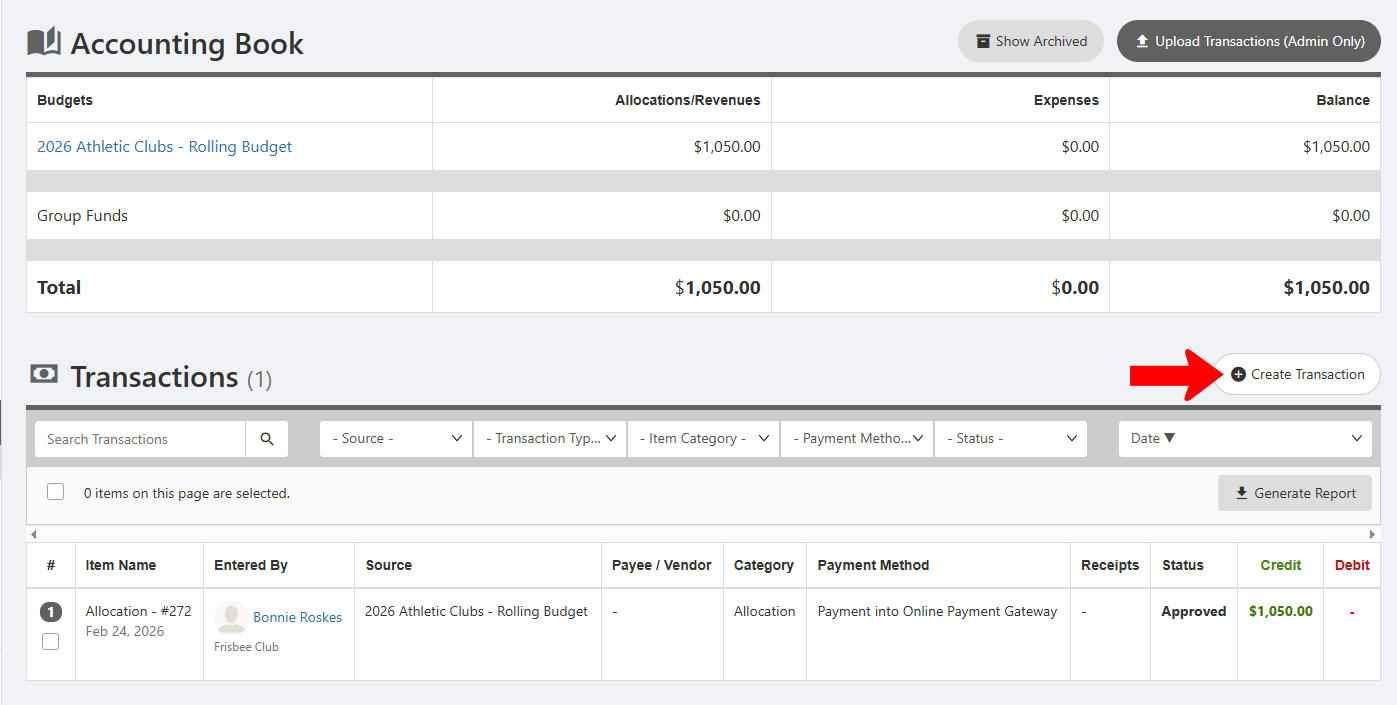
To record group funds, manage the group whose funds you want to record. Open the Accounting Book Managing the Group Budget: Accounting Book, and click Create Transaction.
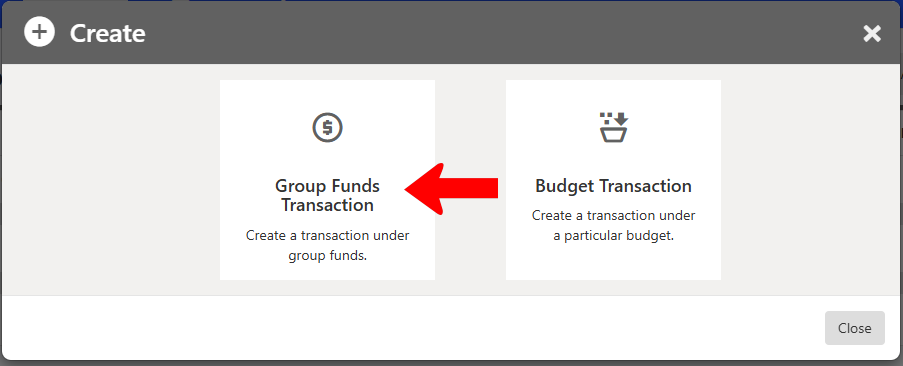
Choose Group Funds Transaction.
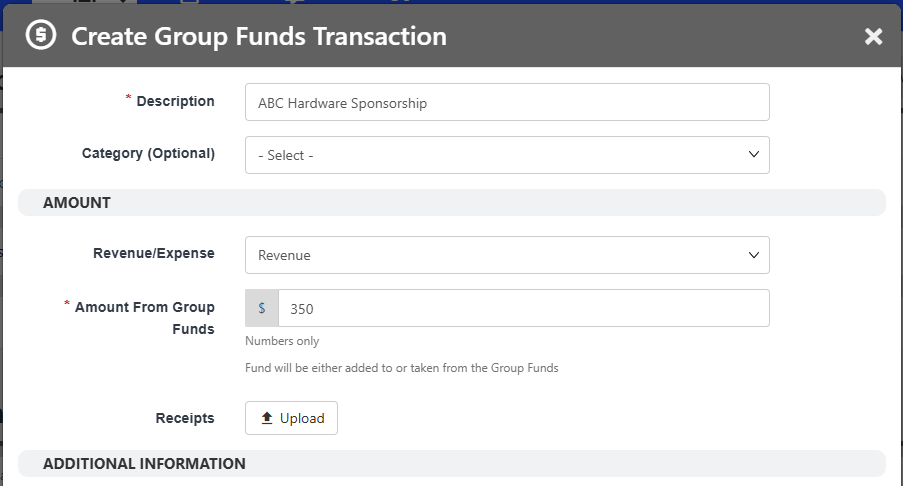
Assign a description and optional category, choose Revenue for funds in and Expenses for funds out, and enter the amount.
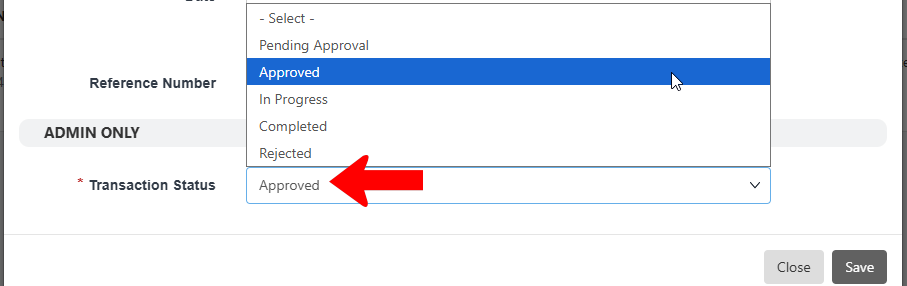
At the bottom, choose the Transaction Status. The Approved status is required for funds to be applied, but you can choose a different status if needed and approve later.
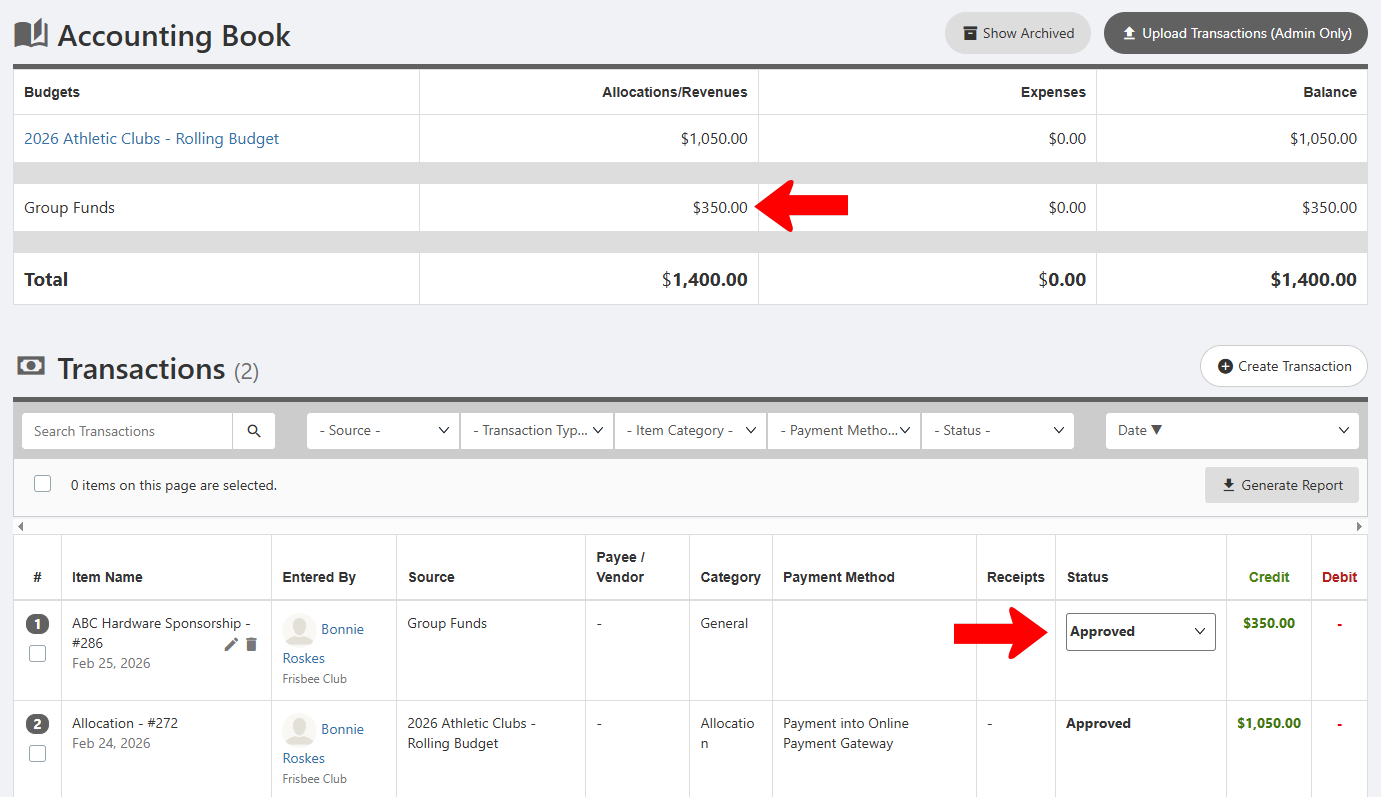
Once approved and saved, the group funds will appear as a budget at the top, and as a transaction below.