.png?width=500&height=91&name=CG-Logo-Blue%20(1).png)
If your campus uses the Money Module, group officers can use these features to request budgets and payments. As you go through the processes, be aware that the options you see depend on settings configured by your platform admin.
First, some definitions:
- A budget is money allocated to your group.
- A payment is an amount of money you request, which is drawn down from a budget.
To see the funds available to your group, and what types of budgets you are working with, open your Accounting Book XREF.
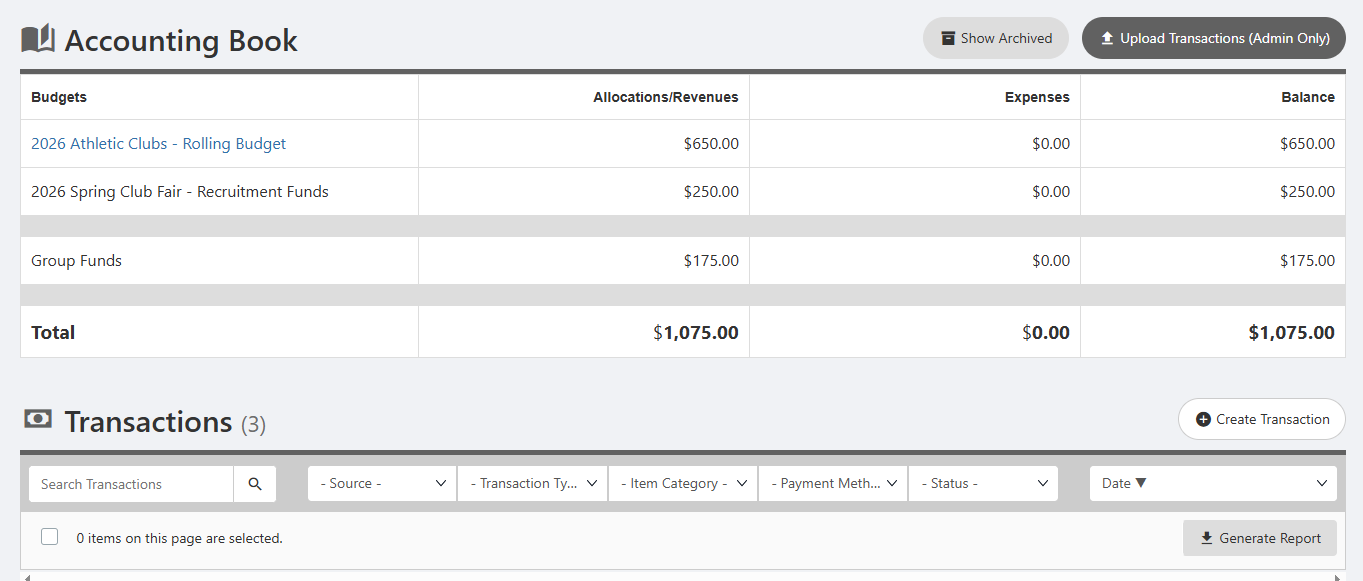
There are three possible sources of funds for your group:
- Simple Budget: Funds allocated by your school as a lump sum from which you can request payments Creating a Simple Budget. A simple budget name is plain text, not hyperlined.
- Advanced Budget: Funds allocated by your school from which you can request budgets Creating a Budget Request: Advanced Budget. If your budget is approved, you can then request payments to cover your expenses. An advanced budget name is a hyperlink, which you click to go through each step of the process.
- Group Funds Recording Group Funds: Money raised by your group, through ticket sales, sponsorships, fundraising, etc. If this feature is available (your admin may choose not to enable it), only admins can add funds to your group account. So you will need to communicate with an admin about amounts and dates, etc. Like with a simple budget, to spend these funds, you will need to request payments.
Keep in mind:
When you make a payment request, you can select only one budget from which to draw funds. If you want funds paid from different budgets, you will need to create separate payment requests.
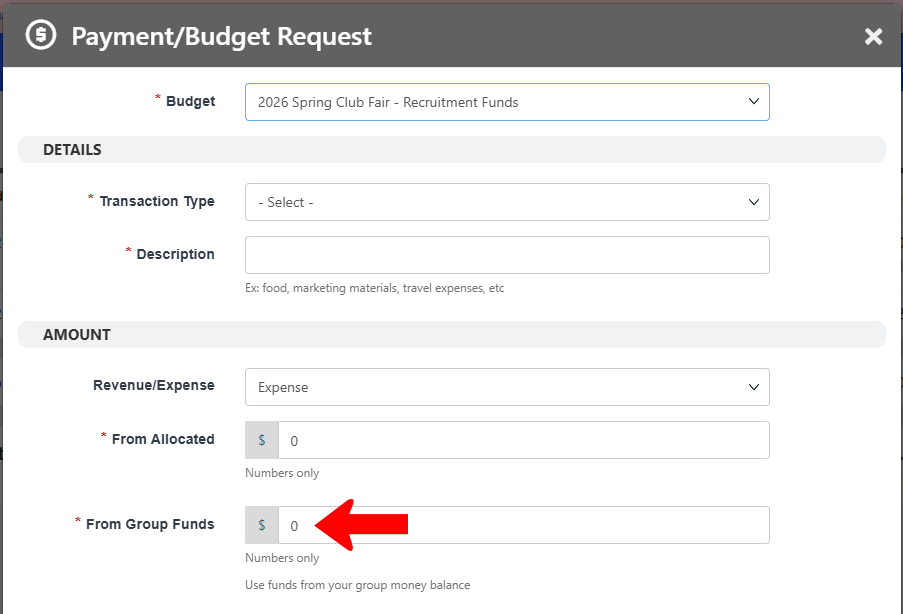
Requesting group funds must be done as part of a payment request against a simple budget Creating a Payment Request: Simple Budget or Group Funds or a payment request from an advanced budget Creating a Payment Request: Advanced Budget. If you are only requesting payment from group funds, and not funds from another budget, enter the requested payment in From Group Funds and leave From Allocated at zero.