.png?width=500&height=91&name=CG-Logo-Blue%20(1).png)
Group officers can create Tracks and Checklists Creating a Track for group members to complete. As an admin, you can view all group tracks and checklists, and see user progress.
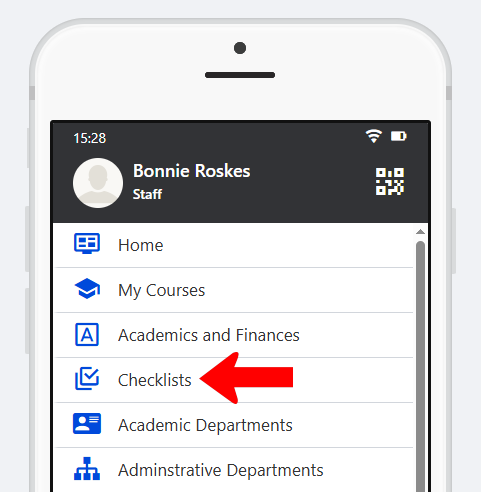
To make leaderboards accessible to users, the Checklists hub menu item Hub Menu Items (mobile only) can be added to the Community Hub Checklist Hub Menu Item Settings accessible to the relevant users. This menu can be renamed if needed.
For checklist view on web, the My Activity Menu hub menu includes a My Checklists submenu.
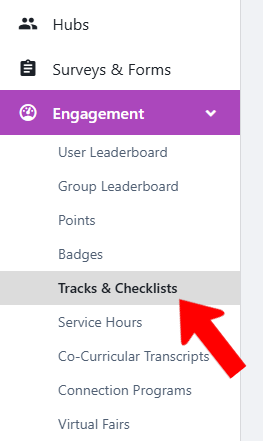
To manage tracks and checklists platform-wide, switch to Admin mode XRF if needed, open Engagement on the left, and choose Tracks & Checklists.
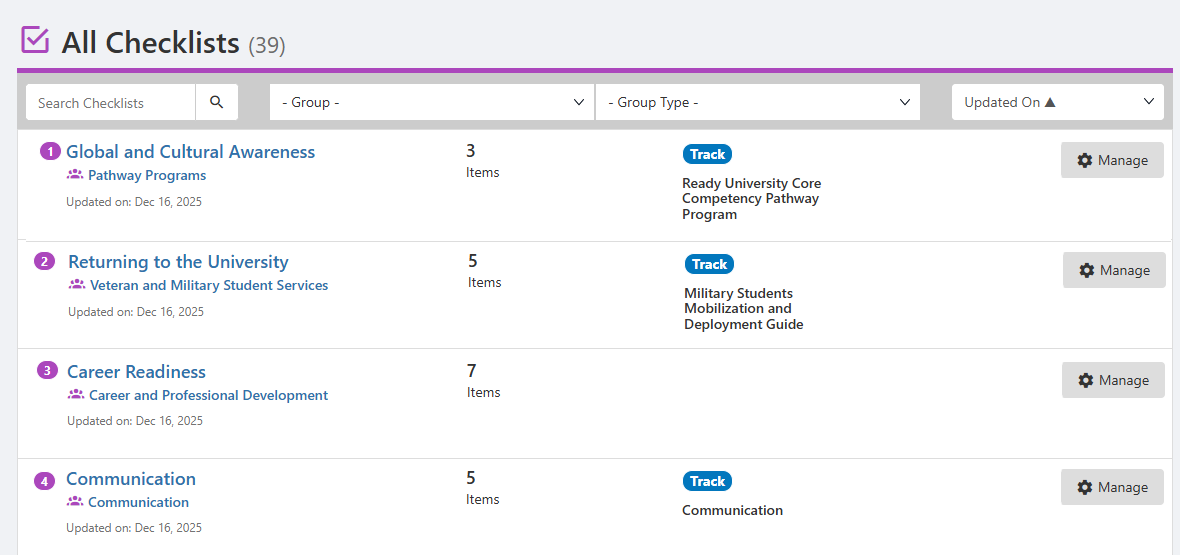
The All Checklists list can be searched or filtered Group Types and Tags for specific groups or Group Types. Clicking a checklist name, or its Manage button, opens the checklist in its hosting group.