.png?width=500&height=91&name=CG-Logo-Blue%20(1).png)
To configure your Campus Safety Deatils and/or update this information, please contact the Ready Education Support Team.
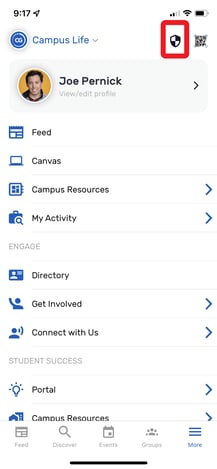
Once configured - You will see a shield icon in the top right corner of your mobile app. Tapping this will redirect a user to contact Campus Safety.
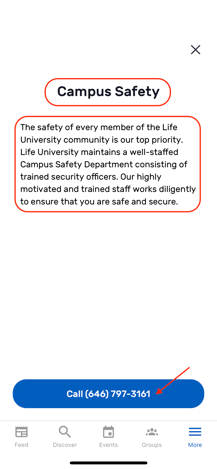
The following information will need to be provided to Ready Education Support:
- Title
- Details
- Phone Number
See how this displays below.