.png?width=500&height=91&name=CG-Logo-Blue%20(1).png)
Admins are able to upload events in bulk from a spreadsheet.
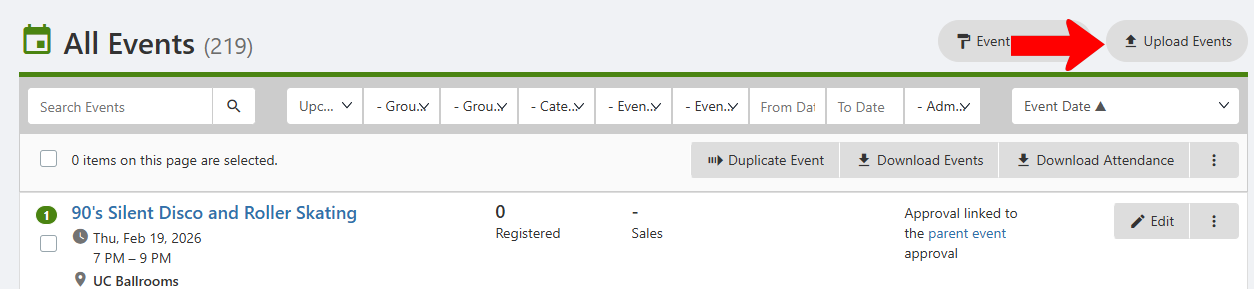
Start from the Events List Managing Events: Events List and click Upload Events.
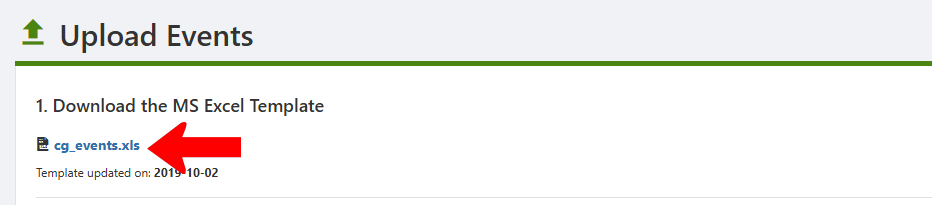
Download the events template file by clicking the file name in Step 1.
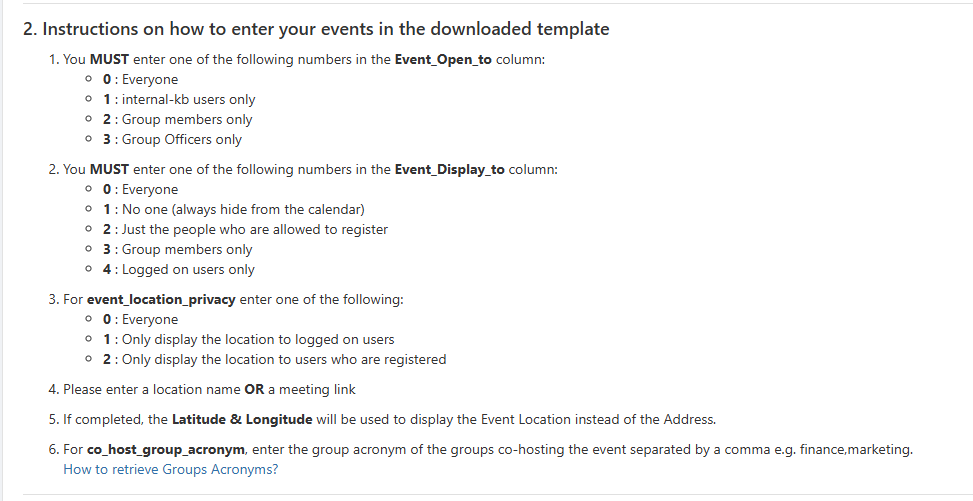
Be sure to read the detailed instructions in Step 2, explaining how to work with the template file.
Important points:
- Do not remove or rename any columns, even if some columns have no data.
- The worksheet containing the data must be named "events."
- Cells in columns with orange headers are mandatory.
- Cells in Column D are for the acronym of the group hosting the event. The acronym is the characters appended to the school website for use as The Group Website. You can generate a groups report for the full list of acronyms.
- There are cells for Event_open_to, Event_Display_to, and event_location_privacy. These are mandatory, and are completed as described in the instructions.
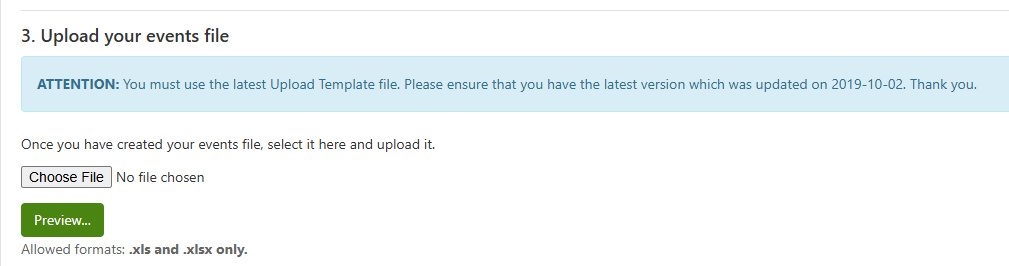
When your file is ready, save it and upload it in Step 3.