.png?width=500&height=91&name=CG-Logo-Blue%20(1).png)
Admins can view detailed information about all users and how they interact and engage with the platform.
Switch to Admin mode if needed. Open Users on the left, which opens the Active Users list User Lists: Managing Platform Users.
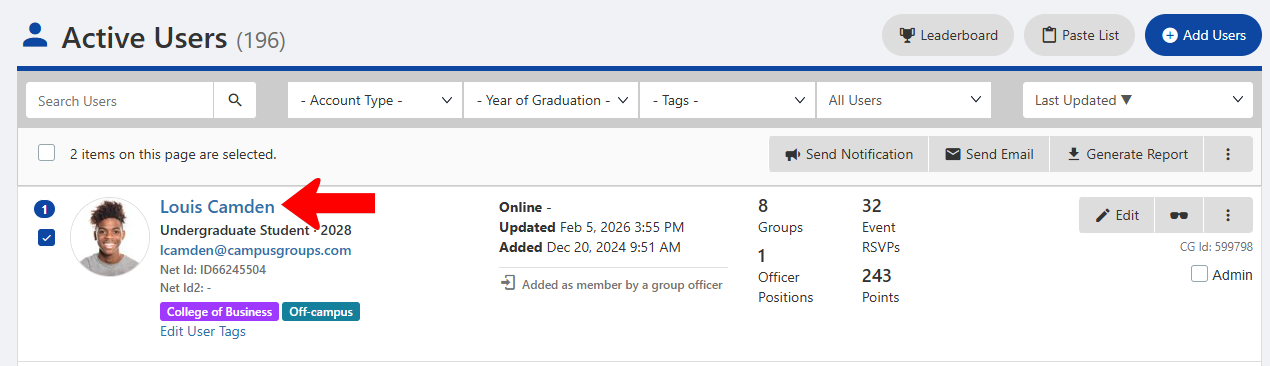
Search or filter the list to find the right user, and click their name.
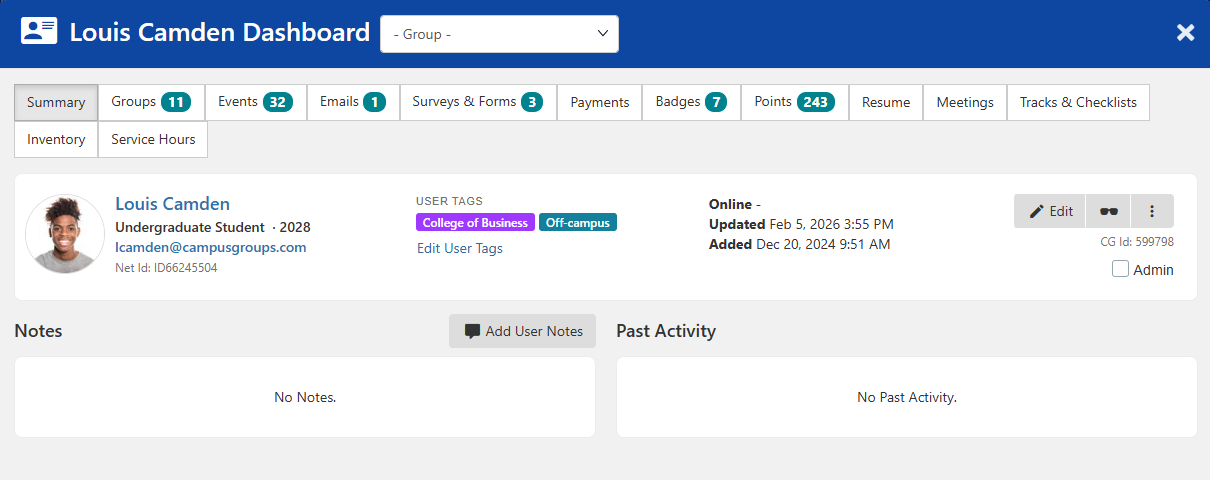
The User Dashboard appears in a popup, open to the Summary tab with general details.
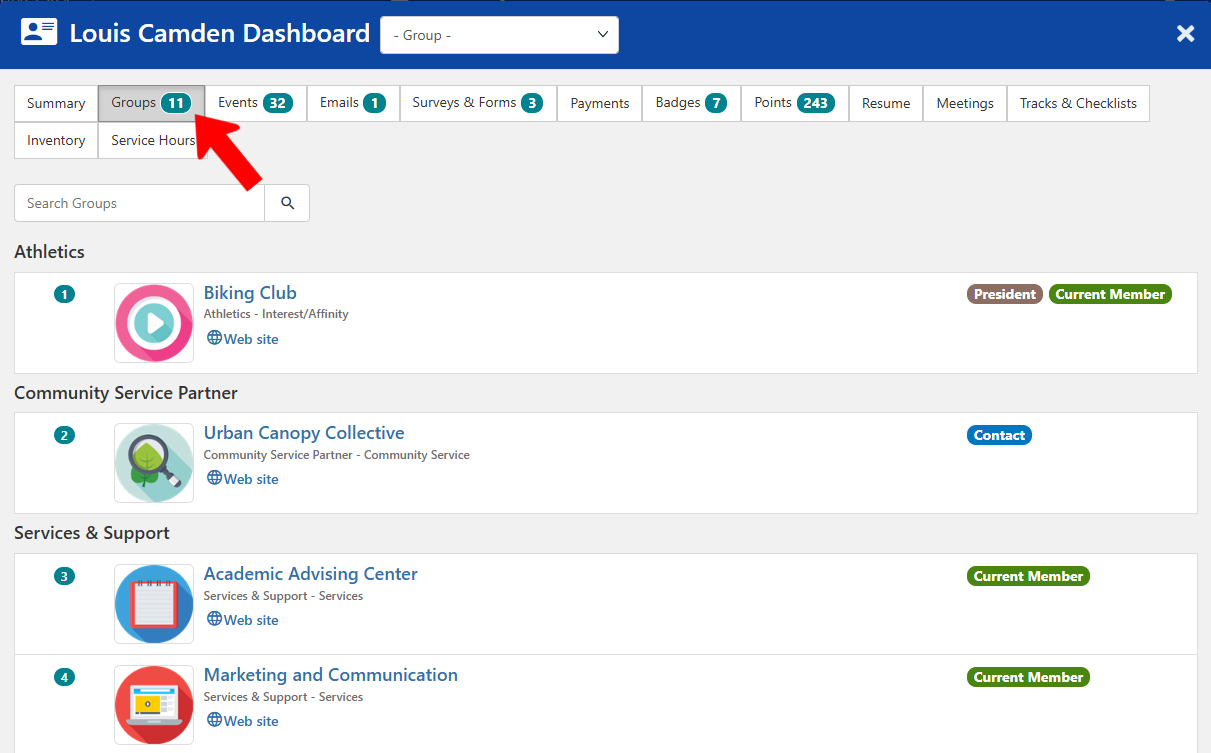
Each tab displays an aspect of user activity. For example, the Groups tab shows all groups in which the user is a member or officer.
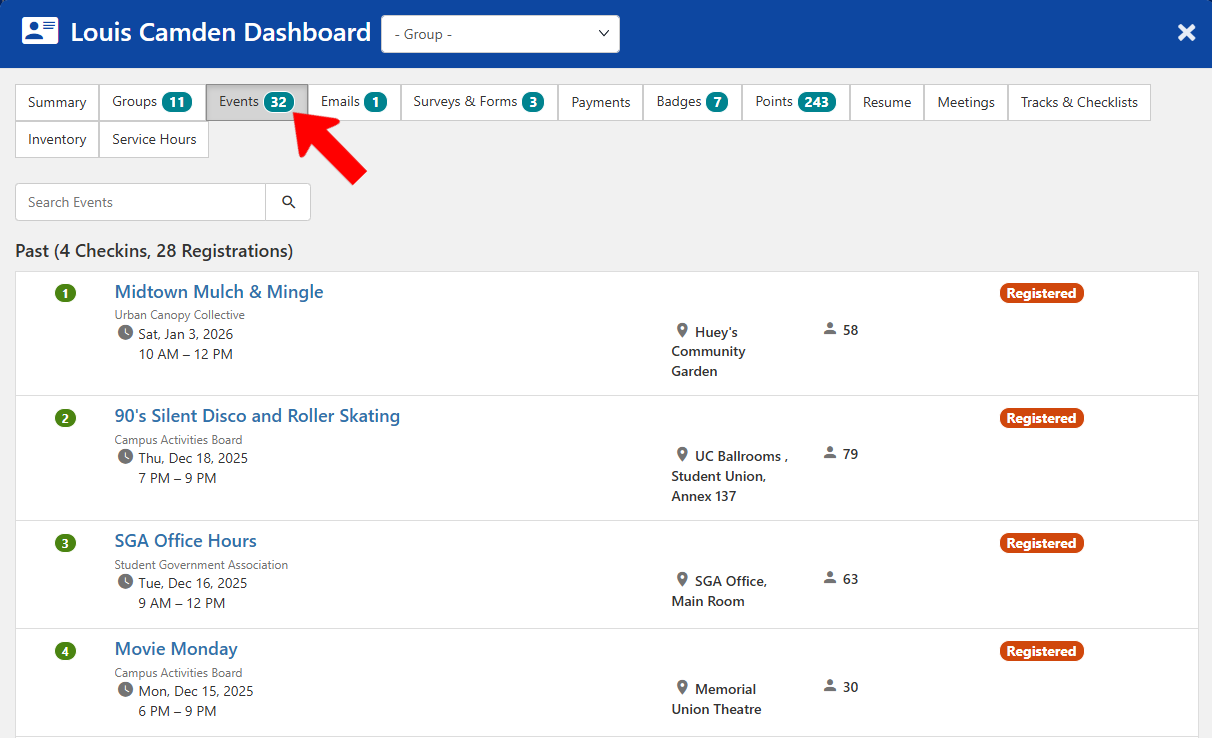
Or open Events to see all events which the user has attended or registered for.
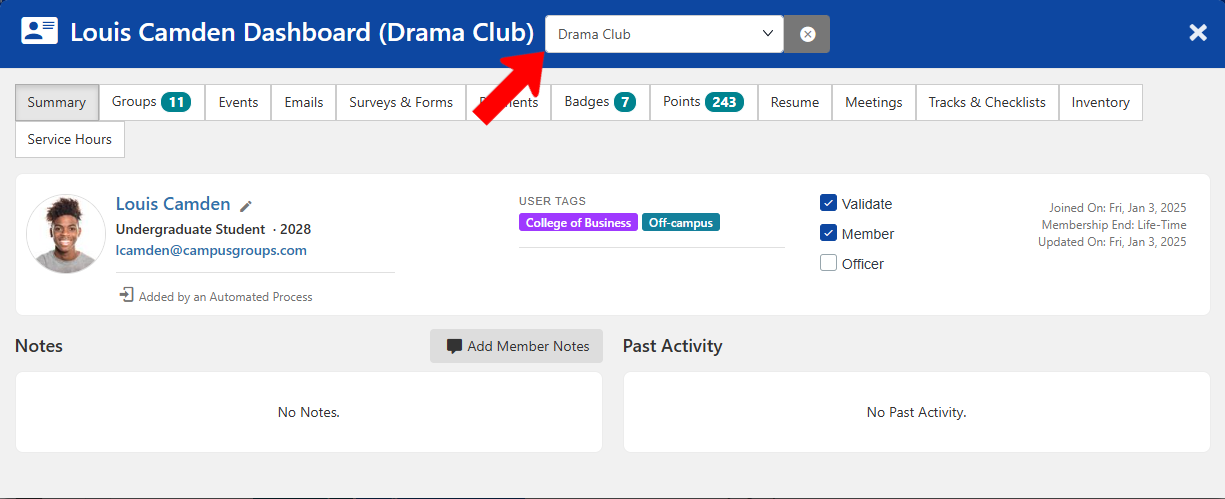
Filtering by groups at the top shows data for the selected group in the Summary tab.