.png?width=500&height=91&name=CG-Logo-Blue%20(1).png)
CampusGroups send out a variety of notifications. But you can customize the ones you’ll see.
Note: If you are a group officer, you can also manage your officer notifications Managing Officer Notifications.
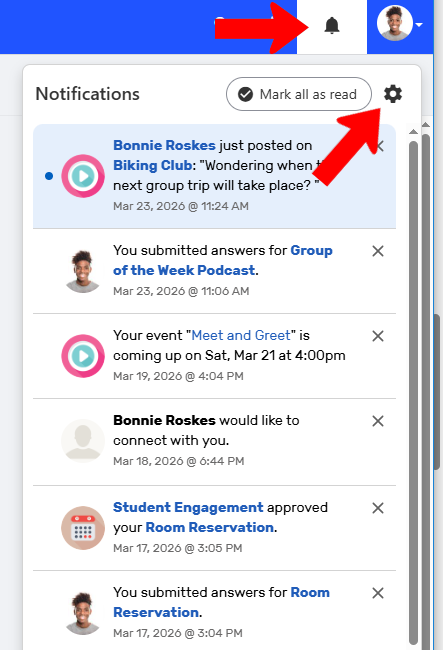
On the web, in-app notifications can be accessed by clicking the Bell icon at the top right. The notifications that appear depend on your customizations.
To customize notifications, click the Gear icon.
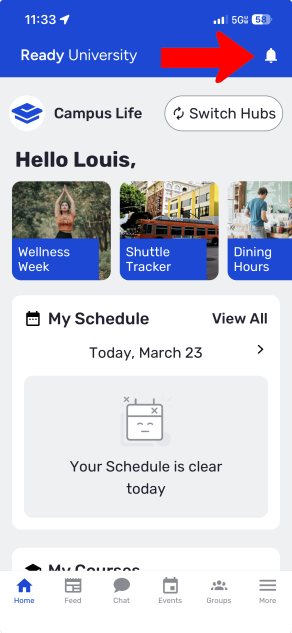
On the mobile app, tap the Bell icon at the top right.
Then tap the Gear icon.
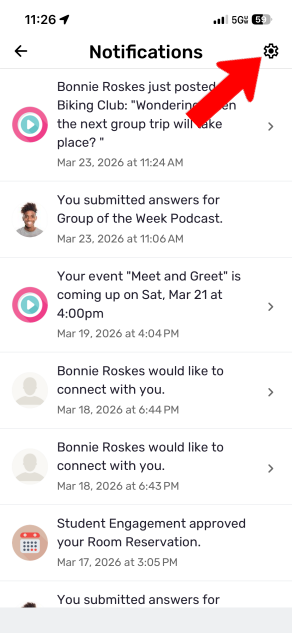
In addition to in-app notifications, you can also receive push notifications (popups that appear on mobile outside the app). Some notification types also include emails.
There are four types of notifications you can customize, including the global notifications link at the bottom.
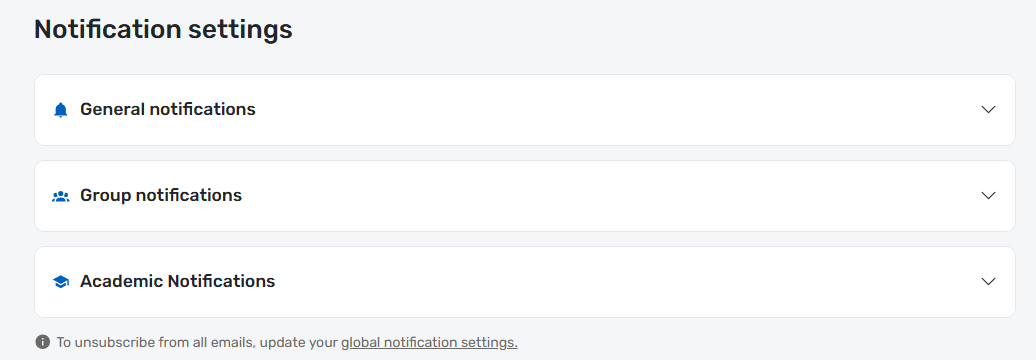
- General notifications: Choose whether to be notified about chat (messages), likes on feed posts or comments, comments on your feed posts, connection requests, posts on the community feed, or forms you completed.
- Group notification: For each group you've joined, choose whether to receive notifications on group feed posts or comments, or posts on group news.
- Academic notifications: Choose whether to receive course announcements.
- Global notifications: Choose whether to unsubscribe from automated emails, or allow groups to email or send push notifications.