
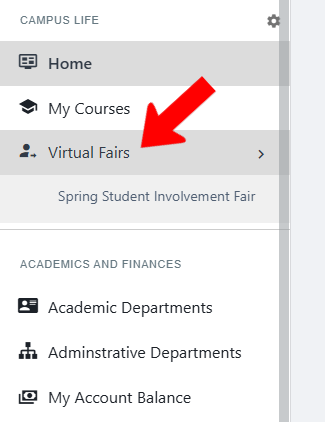
Visitors access a Virtual Fair via the Virtual Fair hub menu (added to a Community Hub by an admin).
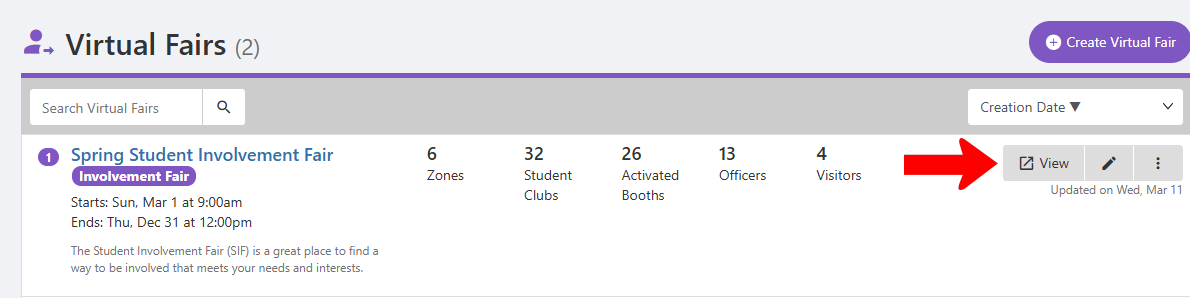
To see what visitors see, click the fair’s View button.
The default view shows the List of Student Clubs. If enabled, each has an “I’m Interested” button, enabling group officers to collect names of interested students. If an interest, sport, or industry included in Booth Settings XREF matches a user profile, common interests will be indicated.
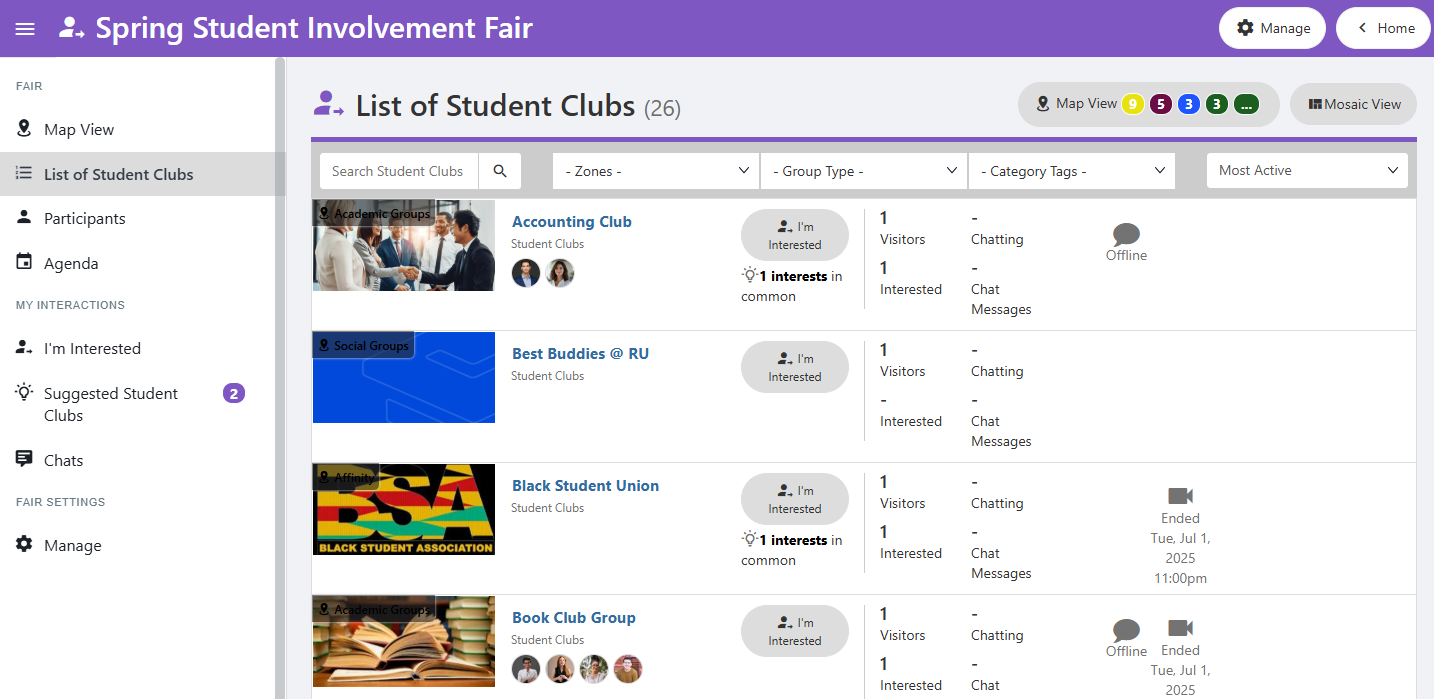
Note: A user who clicks “I’m Interested" will be added to the group’s Contacts list XREF.
Map View shows groups listed by zone. (Zones are assigned when creating the fair XREF). Clicking a zone filters the group list to just that category.
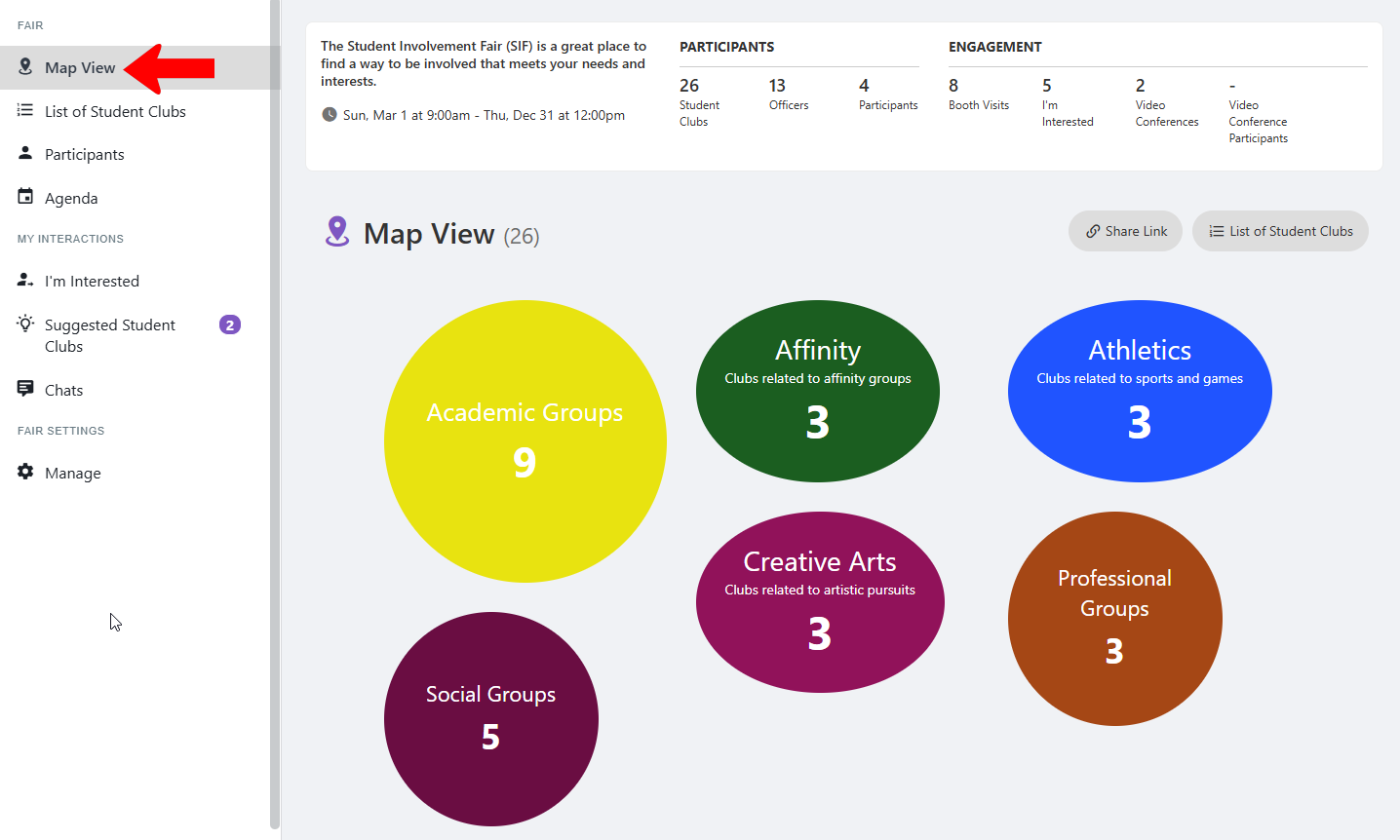
There are also options along the left to see Participants, Agenda XREF, groups for which you clicked “I’m Interested,” Suggested Student Clubs, and Chats.