.png?width=500&height=91&name=CG-Logo-Blue%20(1).png)
If an approval workflow Approval Workflow Process is linked to a form, then by default, the full approval workflow will automatically be triggered for each form submission.
But if you want to trigger different workflow steps depending on answers to a question, you can apply one or more workflow logics to that question.
The scenario:
- The Biking Club wants to use a form to collect suggestions from members for an upcoming bike trip. Submissions will include trip location and cost.
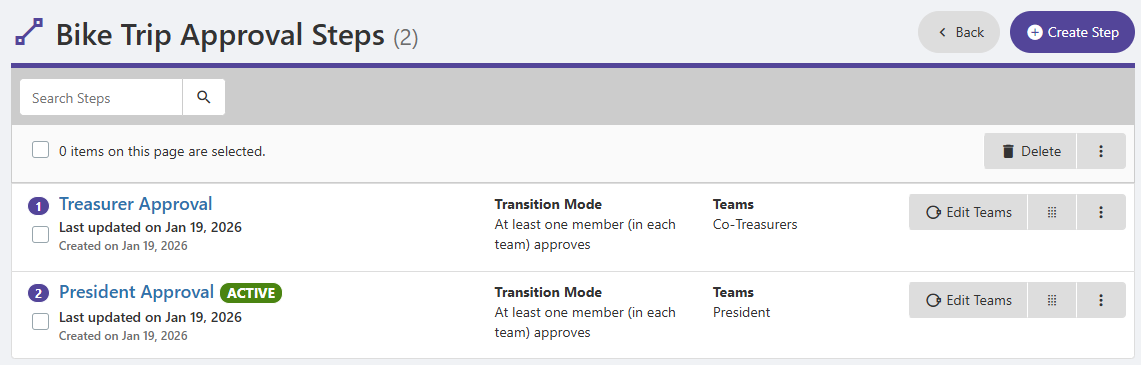
- The form is linked to a two-step approval workflow. Step 1 is Treasurer Approval; Step 2 is President Approval.
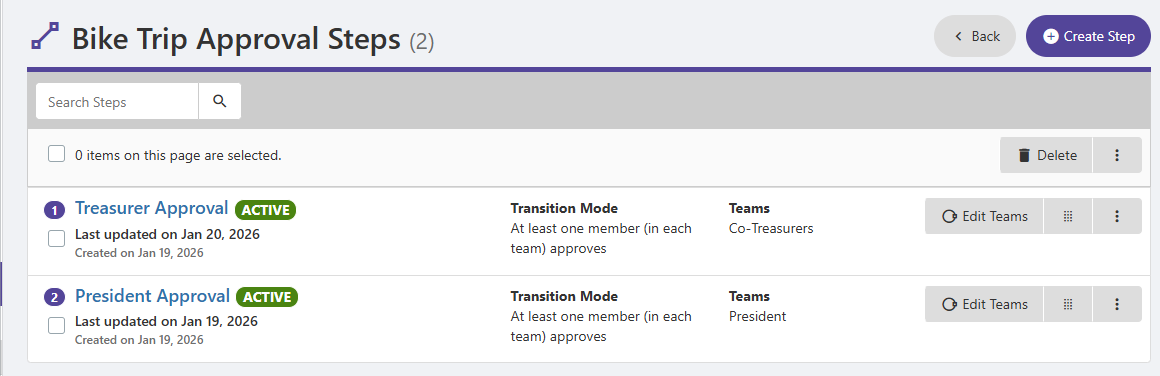
- If the proposed trip will cost $250 or less, the treasurer step can be skipped; only the president needs to approve.
- If the trip will cost over $250, both approval steps are required.
In other words, different workflow steps will be triggered depending on answers to the budget question.
To find this question, start by editing the form.
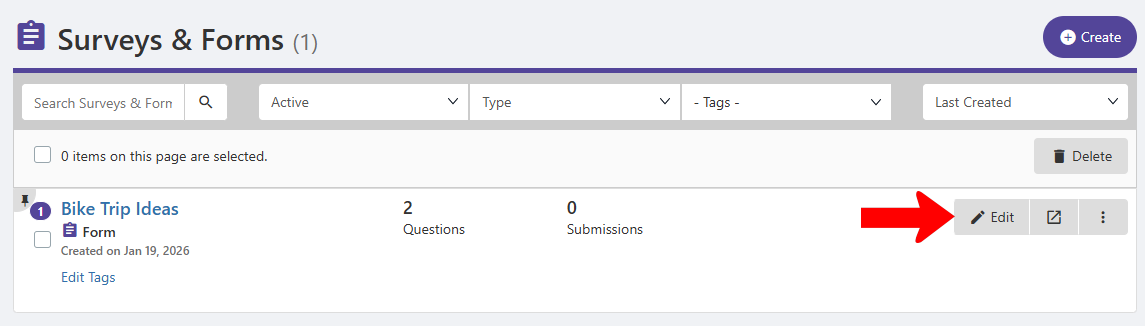
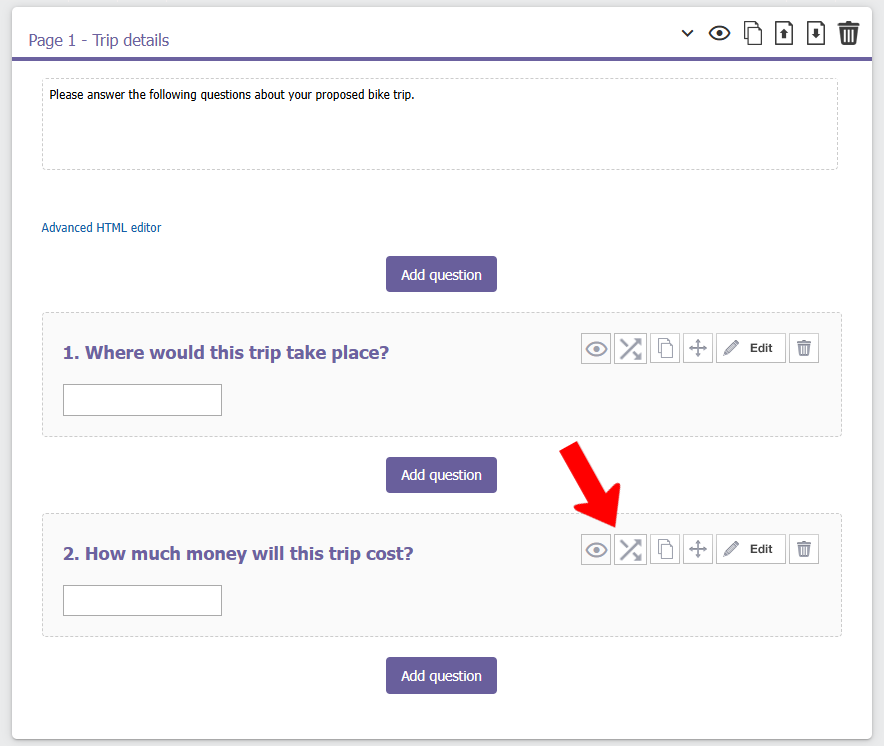
This question (Question 2) is a Free Text question that accepts a number (cost) as input. Click the Logics icon for this question.
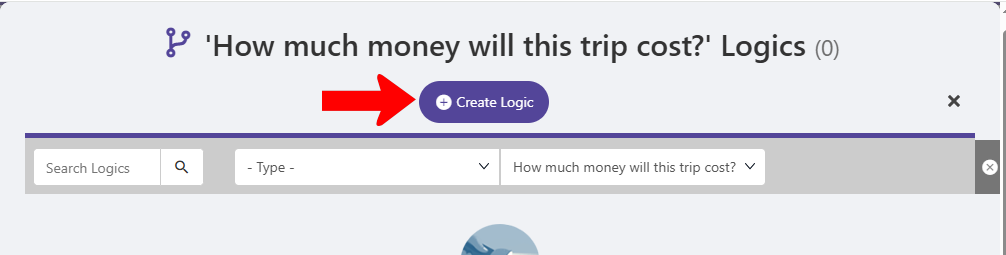
Click Create Logic.
Set Logic Type to Workflow. For this logic, a submitted cost of $250 or less will trigger the President Approval step (skipping over the Treasurer Approval step).
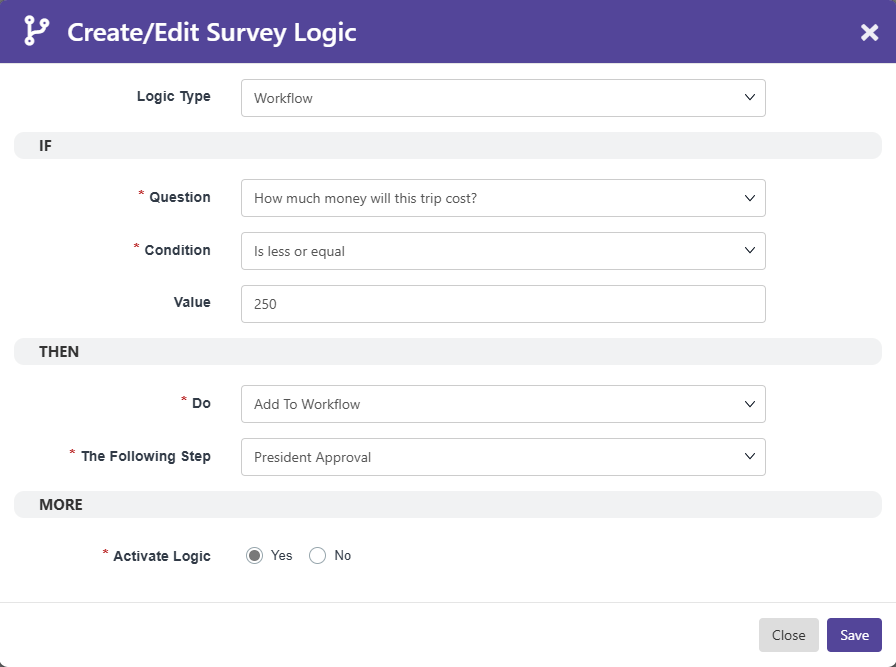
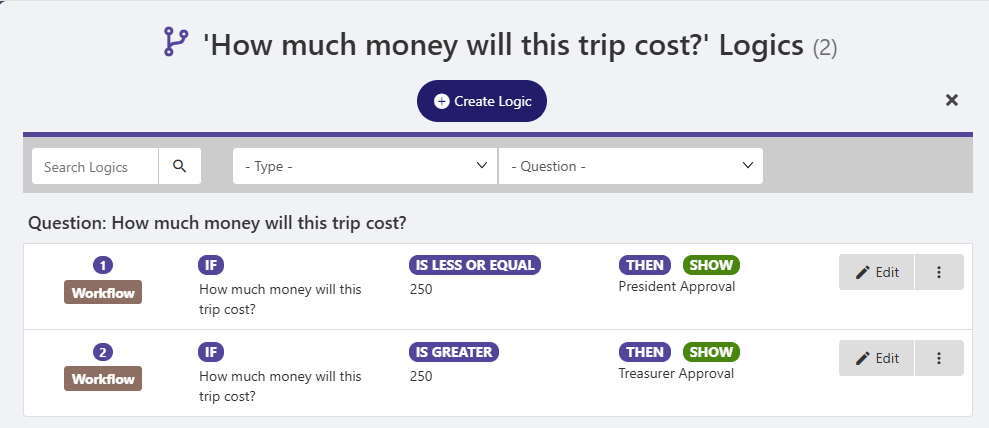
The second logic dictates that a submitted cost of over $250 will trigger Step 1: Treasurer Approval. (The workflow already dictates that President Approval comes after this step.)
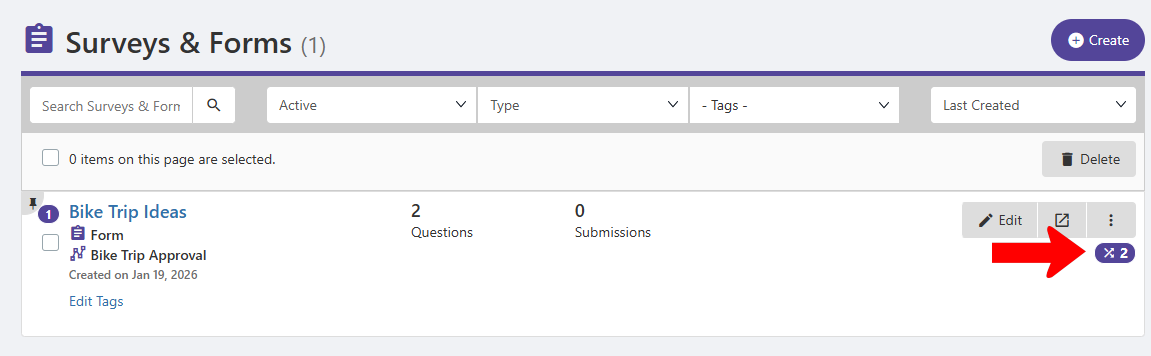
In the Surveys & Forms list, the total number of logics are listed on the right.
The last step is to prevent both workflow steps from automatically happening for every submission. Because Treasurer Approval is not always needed, click its name to change its settings.
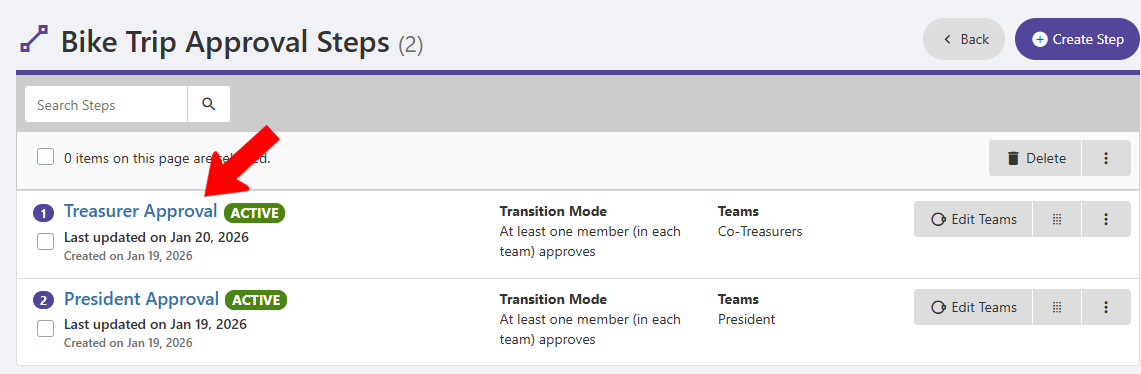
Turn off Activate by default.
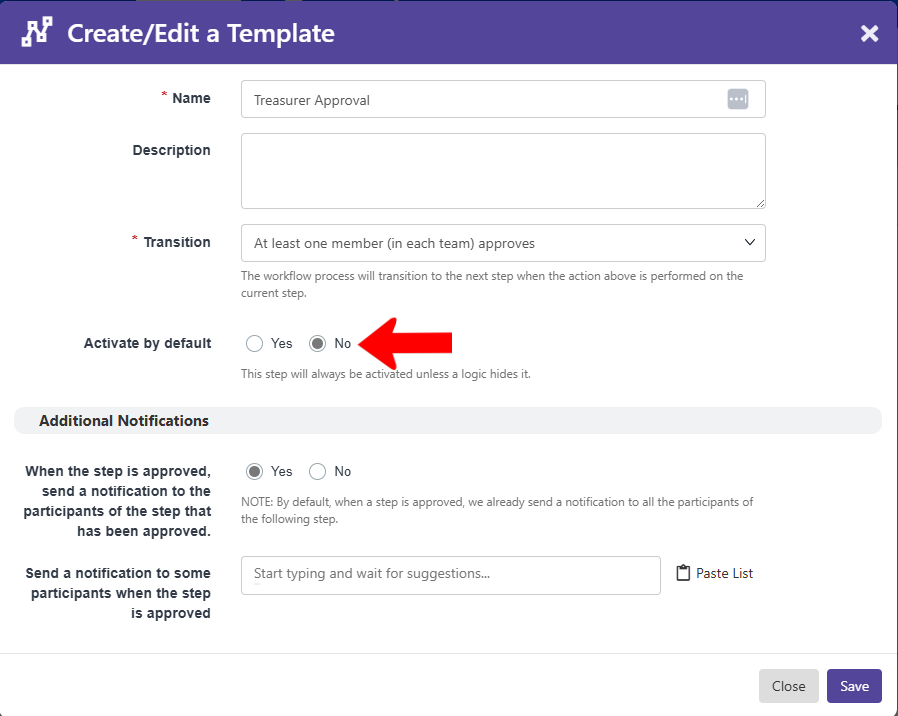
Now only the President Approval step is active for every submission.
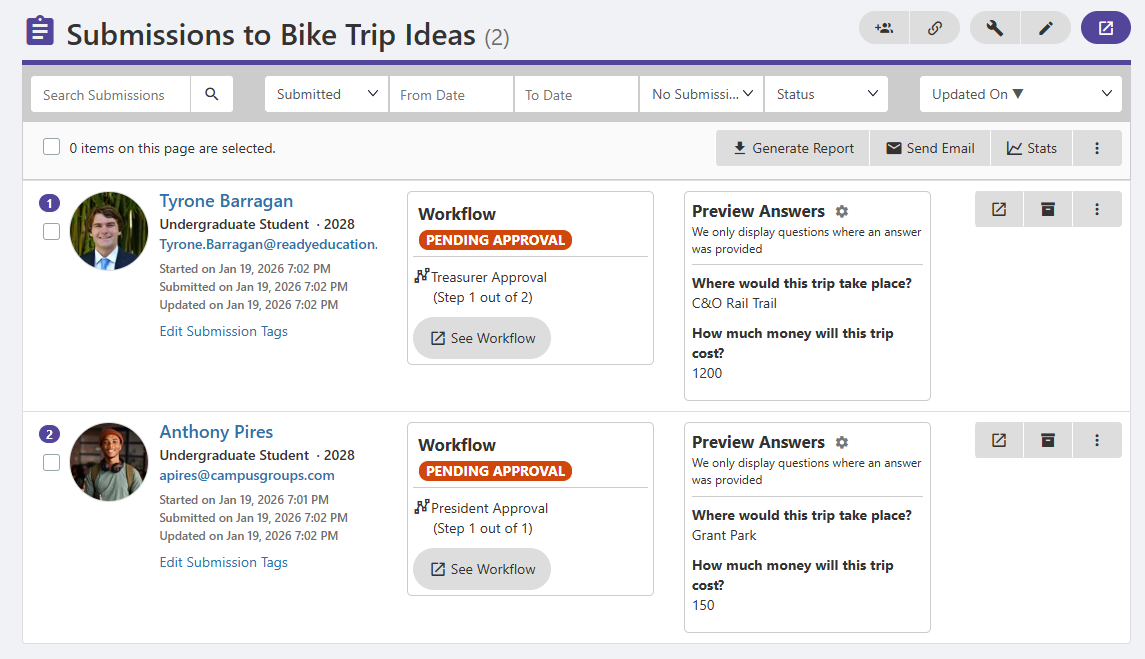
When submissions come in, and you manage your form to see them, the Workflow section of each submission indicates what step each approval process will start on. Low-cost submissions have only one step (President Approval), while higher-cost submissions have two steps, starting with Treasurer Approval.
Now the workflow teams can get to work on the workflow approval process Approval Workflow Process for each submission.